

How Do You Choose the Right 3D Website Design Template?
The template versus custom debate misses the point. The right choice isn't about which is 'better'—it's about which aligns with your goals, timeline, and budget
The template versus custom debate misses the point. The right choice isn’t about which is “better”—it’s about which aligns with your goals, timeline, and budget. A quality template gets you launched fast and lowers risk. A custom build gives you complete control and long-term flexibility. The key is knowing which serves your business, and how to evaluate both paths honestly.
What Is a 3D Website Design Template?
Answer Capsule: A 3D website design template is a pre-built website structure with integrated 3D elements that you can customize and deploy—like buying a pre-built home versus custom construction.
Templates come with layouts, color schemes, interactive components, and often pre-configured 3D animations or models. Instead of building from scratch, you start with a working foundation and adapt it to your brand. Some templates are highly customizable; others lock you into predefined structures. The best templates use modern tools like Webflow, Framer, or Spline, which let you adjust layouts, colors, text, and even 3D assets without needing to code.
A template isn’t a starting point—it’s a product that ships fully functional. The trade-off is obvious: you’re faster to market and spend less upfront, but you have less uniqueness and less control over performance and scalability.
Think of it like buying a pre-built home versus custom construction. A template is the pre-built home: move-in ready, predictable cost, but it’s someone else’s design choices. Custom is construction: takes longer, costs more, but it’s exactly what you want.
When Should You Use a Template Versus a Custom 3D Build?
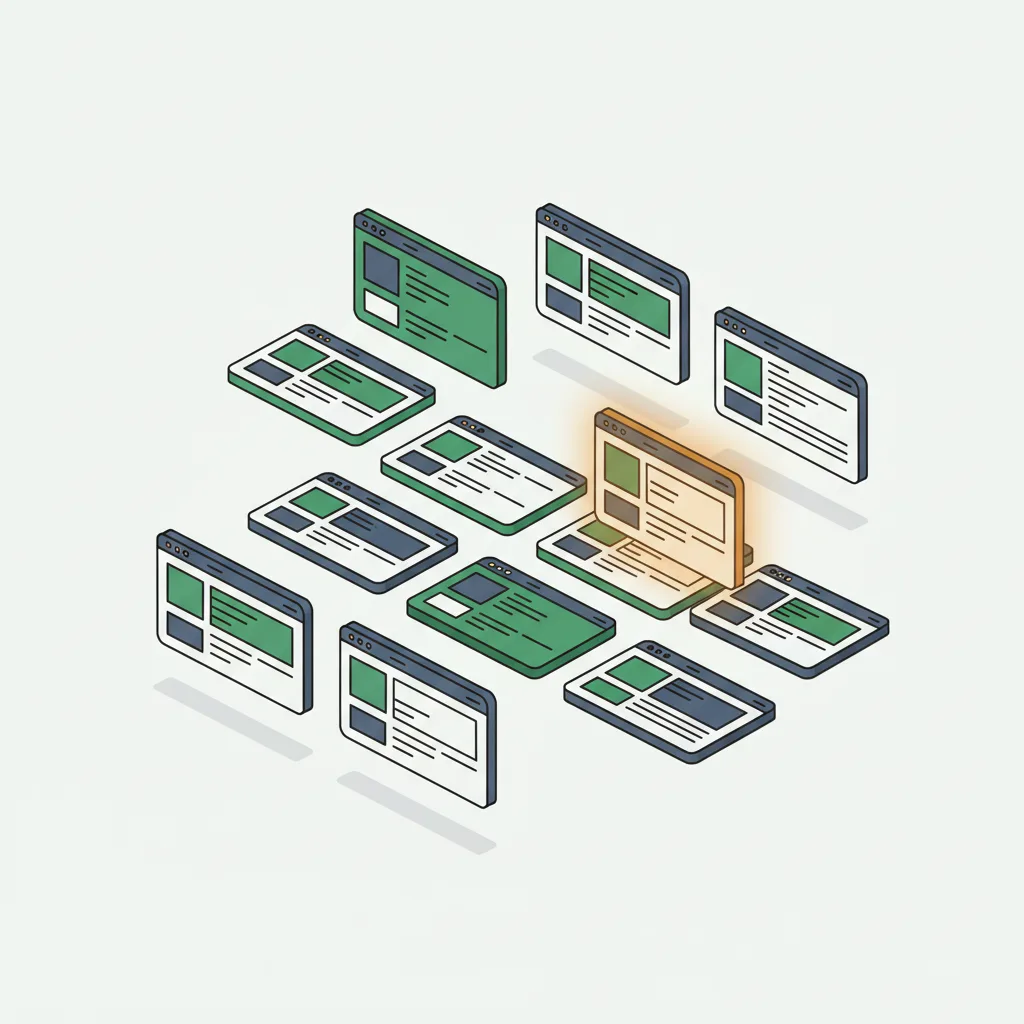
Answer Capsule: Use a template for $3,000–$10,000 budgets and 4–6 week timelines. Go custom for $25,000+ budgets when you need unique interactions, deep backend integration, or long-term scalability.
Use a template if:
You need to launch within 4–6 weeks
Your budget is $3,000–$10,000
Your business model doesn’t require highly differentiated interaction
You’re testing whether 3D assets actually improve your metrics
Your site needs are relatively standard (product showcase, portfolio, service overview)
You want to avoid ongoing developer maintenance
Use a custom build if:
You have 3+ months to develop
Your budget is $25,000+
Your business requires unique interactions or workflows
You’re competing in a visual-focused industry (design, fashion, real estate)
You need deep integration with backend systems
Long-term scalability and ownership matter
The cost gap is significant. A quality template implementation runs $5,000–$15,000. A custom mid-level 3D website runs $25,000–$75,000. That’s roughly 5x difference, but it buys control, uniqueness, and scalability.
Many smart businesses start with a template to validate the approach and user response, then move to custom as they understand what works. This is a valid hybrid strategy—you reduce risk on the first pass, then invest more once you have data.
What Features Should a Good 3D Template Include?
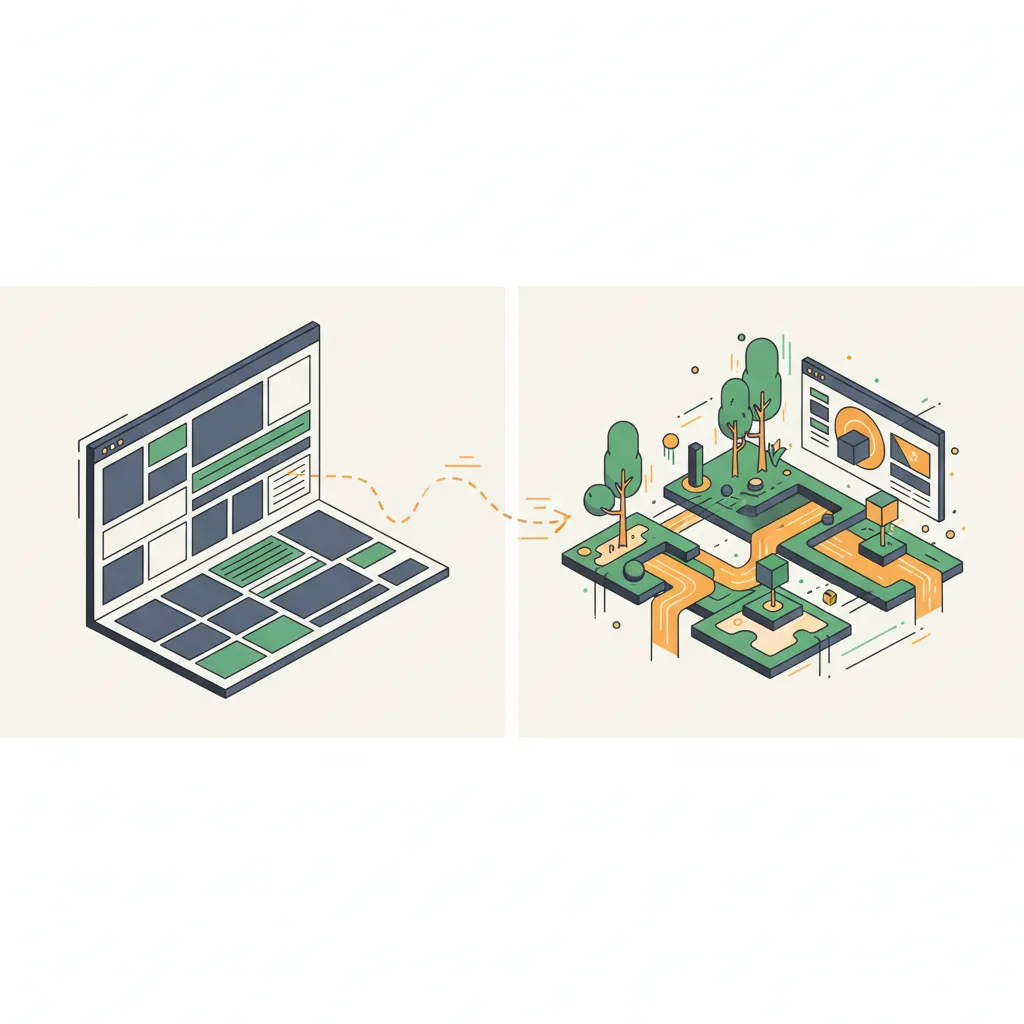
Answer Capsule: Look for sub-3-second load times, responsive mobile 3D, customizable assets, accessibility support, clean documented code, regular updates, analytics integration, and content management flexibility.
Performance standards come first. The template should load in under 3 seconds on a typical internet connection. Ask the vendor for Lighthouse scores and actual load time data. If they won’t provide it, that’s a red flag.
Responsive design is mandatory. The 3D elements should work on mobile and tablet, not just desktop. Ask specifically about mobile 3D support—some templates scale down 3D on mobile due to performance constraints, which is fine if it’s intentional.
Customizable 3D assets mean you can change models, colors, animations, or configurations without hiring a developer. Templates that lock you into one model are limited.
Accessibility considerations matter more than most templates acknowledge. Can screen readers navigate the site? Are animations optional for users with motion sensitivity?
Clean, documented code lets you (or a future developer) understand and modify the template. Obfuscated code is a warning sign.
Regular updates and support indicate the vendor cares about the product. Templates abandoned by their creators become liabilities as technologies change.
Analytics integration should be simple. You need to track visitor behavior on 3D elements. Make sure the template supports Google Analytics, Hotjar, or similar tools without extra configuration.
Content management flexibility lets you update text, images, and sometimes 3D assets without touching code. Webflow and Framer excel here; some other platforms are more rigid.
The best templates are transparent about limitations. A good template vendor will tell you what you can’t do, not just what you can. That honesty matters.
Which Platforms Offer the Best 3D Website Templates?
Answer Capsule: Webflow offers the broadest ecosystem, Framer specializes in interactive experiences, and Spline is built specifically for 3D on the web. Three.js and Babylon.js offer maximum control for developers.
Webflow offers the broadest ecosystem. Webflow’s native 3D support combined with third-party integrations (Spline, Babylon.js) gives you flexibility. The platform is designed for designers, not necessarily non-technical founders, but the learning curve is manageable.
Framer specializes in interactive experiences and has strong 3D support through integrations. Framer’s templates tend toward modern, animation-heavy designs. If your brand leans contemporary, Framer templates are worth exploring.
Spline is specifically built for 3D on the web. Their templates range from landing pages to full portfolios, all centered on 3D objects and scenes. Spline is the most approachable for non-developers—it’s a visual 3D editor first, website builder second.
Squarespace and Wix have added 3D features, but their templates are limited and the 3D capabilities are more about animation than true 3D interactivity. They’re adequate for small businesses wanting subtle 3D touches, but they’re not specialized.
Three.js and Babylon.js ecosystems offer free, open-source templates for developers or agencies that want maximum control. These require coding knowledge but offer unlimited customization.
For small businesses without development resources, Webflow, Framer, and Spline represent the most practical options. Each has different strengths: Webflow for overall flexibility, Framer for animation-heavy designs, Spline for 3D-centric sites.
How Much Can You Customize a 3D Website Template?
Answer Capsule: High-customization templates (Webflow, Framer) allow 20–40 hours of modifications. Medium templates allow 5–15 hours. Low-customization templates limit you to text and color changes in 1–5 hours.
High-customization templates (Webflow, Framer) let you modify layout, colors, typography, animations, and sometimes 3D assets through visual interfaces. You’re constrained by the template’s underlying structure, but you have meaningful creative control. Customization effort: 20–40 hours for substantial changes.
Medium-customization templates (many Spline templates) let you change colors, text, and sometimes swap out 3D models, but layout is largely fixed. You’re more constrained structurally but still achieve brand-specific results. Customization effort: 5–15 hours.
Low-customization templates lock you into predefined structures and assets. You change text and colors, that’s it. These are quick to deploy but inflexible long-term. Customization effort: 1–5 hours.
The key question: as your business evolves, will the template grow with you? A low-customization template that looked perfect initially might feel limiting within a year.
Some vendors offer “premium” versions of templates with more customization built in. This costs more upfront but reduces friction later. Weigh this cost against the custom build option—sometimes the premium template is still significantly cheaper and faster.
One often-overlooked factor: developer dependency. A high-customization template might still require a developer to implement advanced changes. Some businesses think they’re buying independence but end up hiring contractors anyway. Understand this before committing.
Cause & Effect Strategic Partners can help you evaluate templates against your long-term goals and guide custom 3D interactive design decisions. The best choice depends on your specific situation.
FAQs
Are 3D website templates worth the investment?
Yes, for businesses that need to launch quickly with a limited budget. Templates cost $5,000–$15,000 versus $25,000–$75,000 for custom builds. They’re ideal for testing whether 3D improves your metrics before committing to a larger investment.
Can I switch from a template to a custom 3D website later?
Yes, and many businesses do exactly this. Start with a template to validate the approach and gather data on user engagement. Once you understand what works, invest in a custom build that addresses your specific needs with greater precision.
Do 3D templates work well on mobile devices?
Quality templates from Webflow, Framer, and Spline are mobile-responsive. However, some scale down or simplify 3D elements on mobile for performance. Always test the template on actual mobile devices before committing—simulator testing misses real-world performance issues.
How long does it take to launch a 3D template website?
Low-customization templates can launch in 1–2 weeks. Medium-customization takes 2–4 weeks. High-customization with significant brand adaptation takes 4–6 weeks. Compare this to 2–4 months for custom 3D development.
What’s the biggest risk of using a 3D website template?
The biggest risk is outgrowing it. A template that works at launch may become restrictive as your business evolves. Mitigate this by choosing high-customization platforms (Webflow, Framer) and planning for a potential custom build transition within 12–18 months.
Christopher Drake Griffith
Christopher Drake Griffith is the founder of Cause & Effect Strategic Partners, helping Atlanta small businesses grow through strategic digital solutions including website design, SEO, and marketing automation. He focuses on practical, measurable strategies that deliver business results without unnecessary complexity.