
Best AI Tools For Small Business Operations In 2026
The AI tool stack Cause & Effect actually uses, for SEO, content, customer support, forecasting, and ops. Tested, ranked, and priced for small businesses.

TL;DR
Cause & Effect runs a 4-plugin, 8-Cloudflare-Worker autonomous SEO operations engine for every partner. The AI tools that power it are specific, tested, and priced for small businesses. This post covers the real stack we use, what’s worth the money, what isn’t, and which tools should be on every small business owner’s shortlist for 2026.
What AI tools are actually worth paying for in 2026?
The AI tools worth paying for in 2026 are the ones that replace specific labor: writing (Claude, ChatGPT), coding (Claude Code, Cursor), research (Perplexity), design (Midjourney, Nano Banana), and customer support (Intercom Fin, custom Claude agents). The rest is mostly noise.
McKinsey’s 2024 State of AI report found that 72% of organizations now use AI in at least one function, but only 18% have scaled it beyond pilots. The gap between “tried it” and “built a business process around it” is where the real ROI lives. Buying an AI tool subscription accomplishes nothing. Integrating it into a specific, repeatable workflow accomplishes a lot.
The way we filter tools at Cause & Effect is simple: does this tool replace a labor hour or compress a decision cycle? If yes, it earns its subscription. If it just “helps” without a measurable output change, it gets cut. That filter eliminates most of the AI tool hype cycle automatically.
What does the Cause & Effect AI stack actually look like?
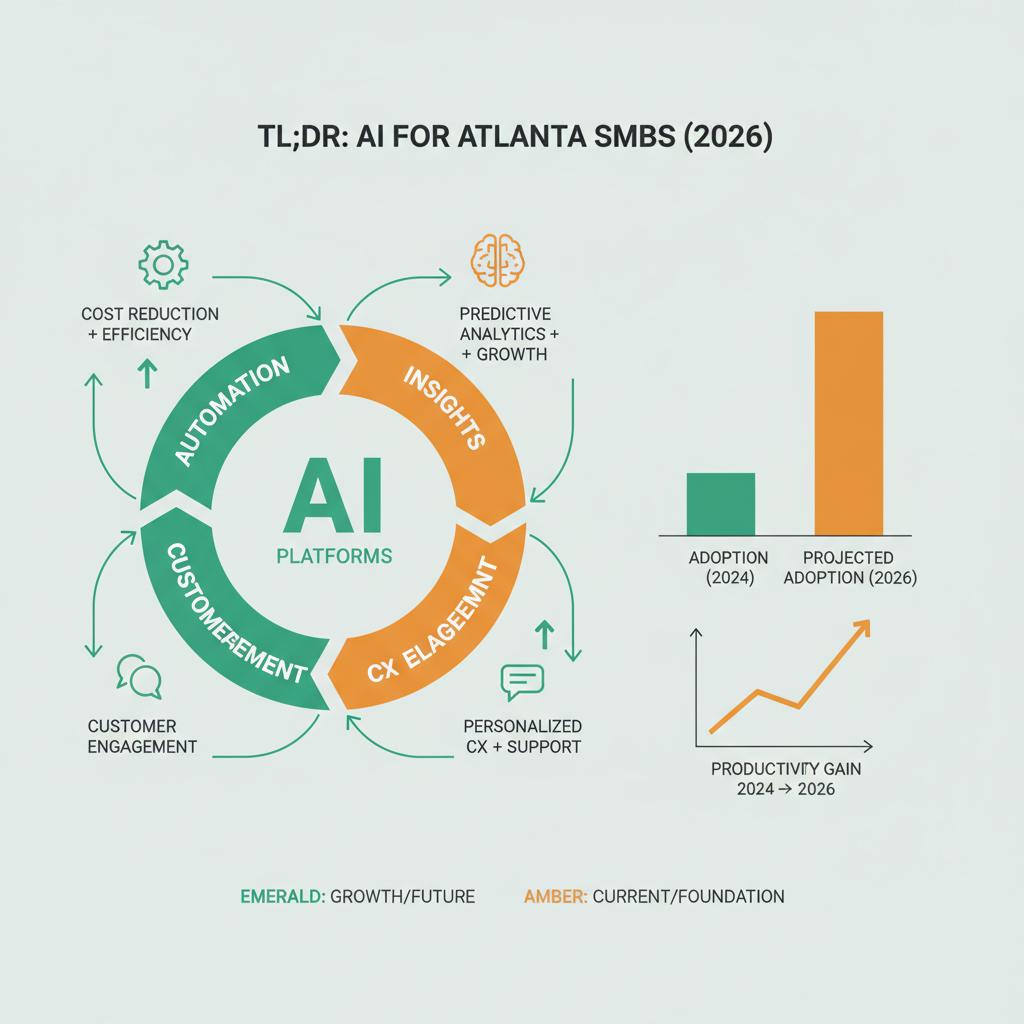
Our stack runs on 4 plugins and 8 Cloudflare Workers [pctx_007], powered by a specific set of AI tools at each layer. Here’s the full map.
| Layer | Tool | Purpose | Monthly Cost |
|---|---|---|---|
| Writing + strategy | Claude Opus/Sonnet | Content, code, analysis | $20–$100 |
| Coding | Claude Code CLI | Agentic development | Included |
| Research | Perplexity Pro | Competitive research | $20 |
| Image generation | Nano Banana / Gemini | Blog heros, ads | $20–$50 |
| Keyword data | DataForSEO | Rank, volume, difficulty | $60–$120 |
| Analytics | GA4 + GSC | Traffic, conversions | Free |
| CRM | GoHighLevel | Leads, pipeline, SMS | $97–$297 |
| Hosting/compute | Cloudflare Pages + Workers | Sites, automation | $0–$20 |
Total stack cost per partner: roughly $380–$620 per month. That’s the infrastructure cost we absorb as part of the growth partnership. A small business running the same stack standalone would pay the same numbers directly.
The stack is deliberately narrow. We don’t run five different writing AIs or three different CRMs. One tool per job, used deeply, with integrations wired cleanly.
Why Claude for writing and strategy?
We use Claude for writing, strategy analysis, and most of the agentic coding work because it consistently produces cleaner, more structured output for long-form business content and code.
The Anthropic Claude for Business page lays out the model family, Opus for heavy reasoning, Sonnet for balanced speed-quality, Haiku for high-volume fast tasks. We use all three. Opus handles weekly strategy reviews and deep analysis for partner businesses. Sonnet handles the bulk of content production, audit writeups, and day-to-day analysis. Haiku handles high-volume lightweight tasks, keyword clustering, bulk summarization, log analysis.
Claude Code is the CLI agent that actually runs our plugin infrastructure. It writes Cloudflare Workers, deploys them, audits the output, and self-corrects on errors. Every blog post, SEO audit, and deployment that ships through Cause & Effect passes through Claude Code at some point in the pipeline.
Why Claude specifically? Because in our testing across 300+ blog posts and hundreds of SEO audits, Claude consistently produced higher-quality structural output with less prompt engineering than alternatives. That’s our observation, and your mileage may vary, but it’s the reason Claude is our primary writing and coding model.
How does AI fit into the daily SEO audit?
Every partner site runs a daily SEO audit through our ce-seo-monitor Cloudflare Worker. The audit checks 66+ on-page items and auto-fixes common issues, and AI is the layer that decides which fixes to apply without human review [pctx_001].
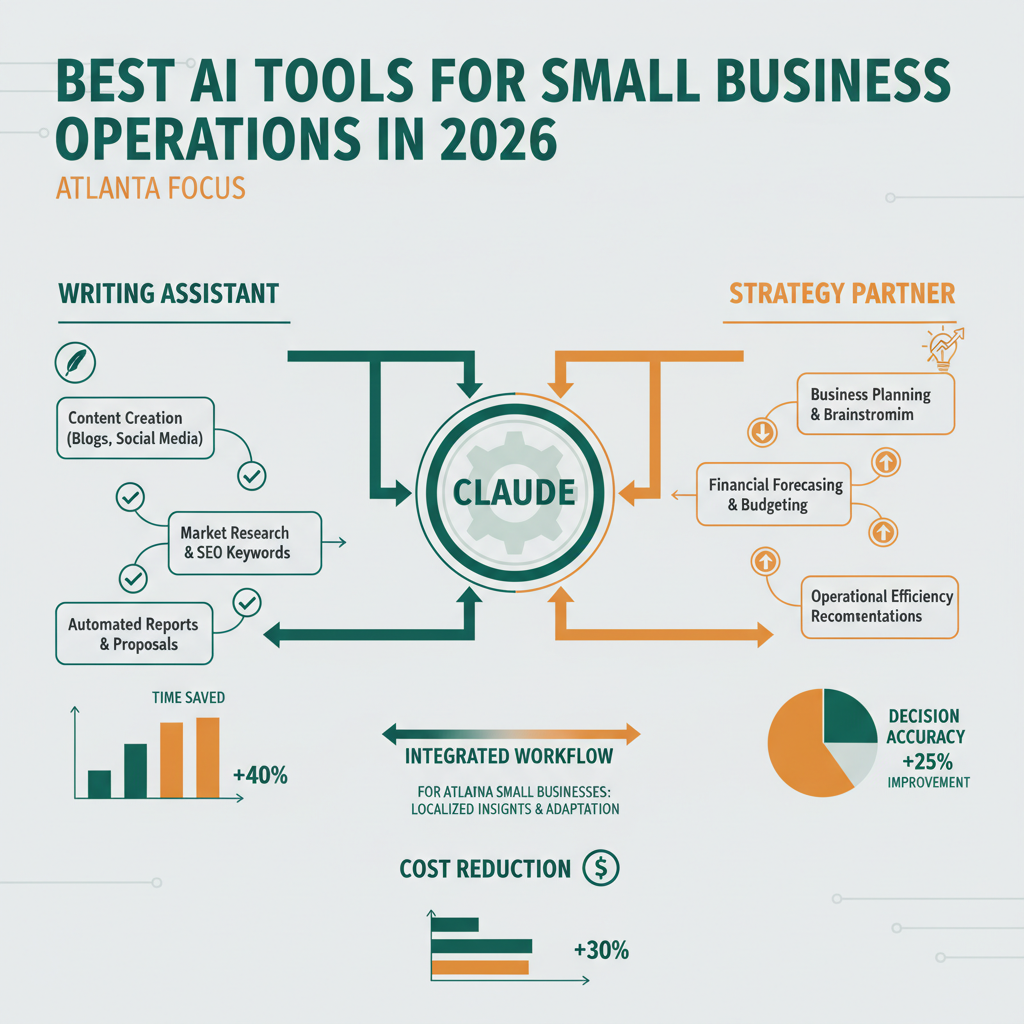
The workflow is mechanical on the surface and intelligent underneath. The Worker scans the site and produces a structured JSON report. An AI judge (Claude Sonnet) reads the report, classifies each issue as critical/high/medium/passing, and determines whether the fix is safe to auto-apply or needs human review. Auto-safe fixes (missing alt text, meta description length, broken internal links) get applied immediately. Higher-risk fixes (architecture changes, content rewrites) get flagged for human review.
Without AI, every audit would need a human to read the report, decide what to fix, and prioritize. With AI, the daily audit runs without human intervention and produces a morning summary of what was found and what was fixed. That’s the difference between a monthly PDF audit (agency model) and a continuous audit loop (our model).
The key insight is that AI doesn’t replace the human, it replaces the manual triage step that used to take an hour of human time per site per day. The human now reviews the flagged items, not every item.
What should a small business actually buy first?
For a small business not running an agency operation, the AI shortlist is much smaller: Claude or ChatGPT Plus ($20/mo), Perplexity Pro ($20/mo), and Canva Pro with AI features ($12/mo). Total: $52/month.
That minimum stack handles the 80% of small business AI use cases: writing emails, blog posts, and proposals; researching competitors and markets; and producing visuals for marketing materials. A small business that masters those three tools before buying anything else extracts more value than a small business that subscribes to ten tools it doesn’t use.
The upgrade path from there depends on the business. Service businesses usually add GoHighLevel ($97/mo) next for CRM automation. E-commerce businesses add Shopify’s AI features or specialized product-description tools. Content-heavy businesses add DataForSEO or Ahrefs for keyword research.
The OpenAI business use cases documentation catalogs most common applications if you want a starting list of what’s possible. But the practical advice is still “pick three, use them deeply, then add a fourth.” Jumping straight to ten tools guarantees that none of them get integrated into real workflows.
Where does AI fail for small businesses?
AI fails where the output needs deep domain context the model doesn’t have, where stakes are high enough that error tolerance is zero, and where the “saved time” illusion hides the actual review cost.
Domain context failures look like this: ask Claude to write a blog post about Atlanta home services, and you’ll get something competent but generic. The model doesn’t know your specific service area, your pricing, your recent jobs, your local competitors. It can write well in general but shallow in specifics. The fix is to feed it context explicitly, your business knowledge, your customer conversations, your past content. Every AI output quality improvement starts with better input context.
High-stakes failures look like this: ask AI to write a legal contract, file taxes, or diagnose a medical condition. The hallucination rate is low but non-zero, and in those domains a single error is catastrophic. Don’t use AI for anything you can’t verify.
The “saved time” illusion is the subtlest failure. A founder generates a blog post in 20 minutes with AI and feels like they saved 2 hours. Then they spend 90 minutes editing it because the first draft is generic. Net savings: 10 minutes, not 100. Most AI productivity claims skip the editing step in the math. We don’t. We measure the full cycle time, and AI wins some categories (research, first drafts, bulk processing) and loses others (nuanced client communication, strategic judgment).
How do you evaluate a new AI tool in 2026?
The evaluation framework is: does it replace a specific labor hour, can it be measured, and does it integrate with existing workflow?
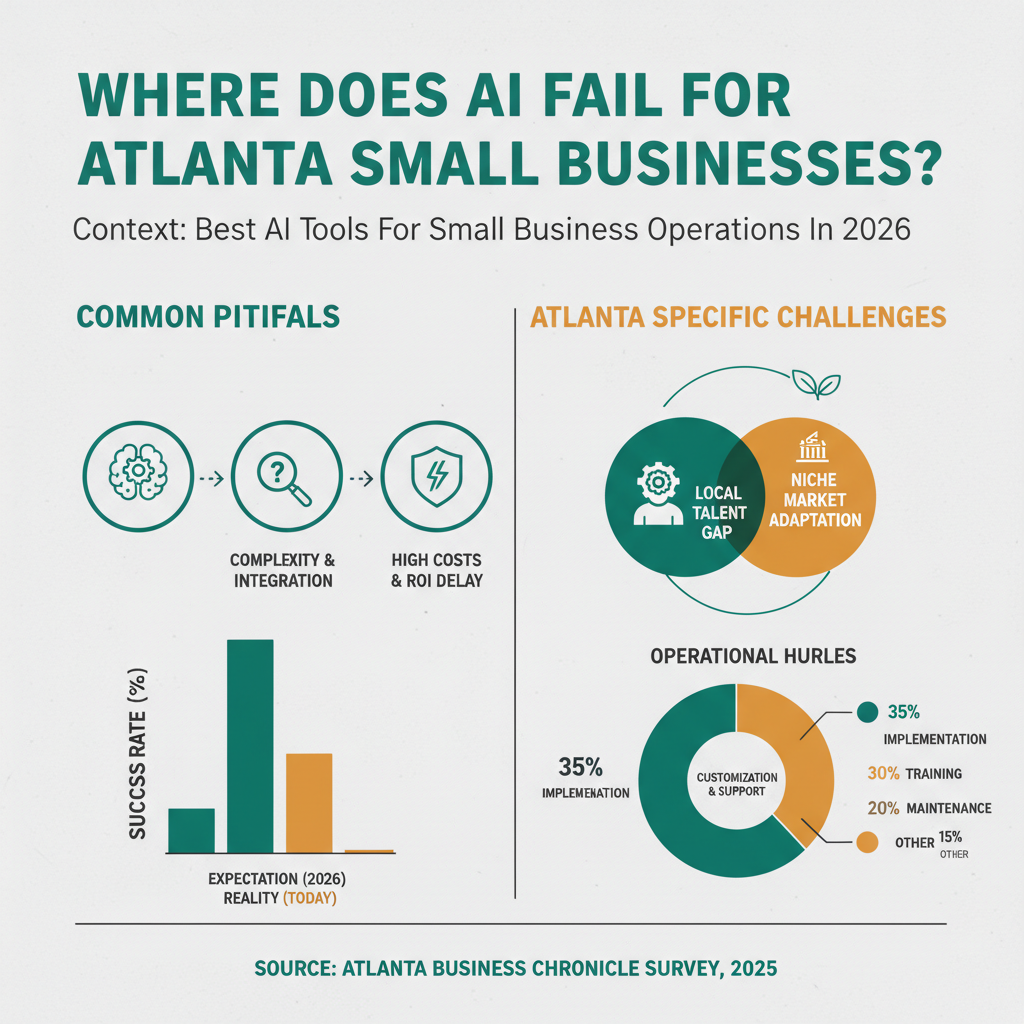
The three-question filter:
- What specific task does this replace? “Help with writing” isn’t a task. “Draft weekly customer follow-up emails from CRM data” is a task. Tools that can’t name the replaced task clearly are usually speculative.
- Can I measure the output? If the tool saves you 2 hours per week but produces output that takes 90 minutes to review, net savings are 30 minutes. Measure the full cycle.
- Does it integrate with the stack I already have? A standalone tool with no API, no webhook, and no automation path costs more in context-switching than it saves in raw productivity.
Most AI tools fail one or more of these tests. The ones that pass all three earn their subscription and deserve to be integrated deeply. The a16z AI infrastructure guide covers the tool landscape in more depth if you want a broader survey.
What does the AI stack look like 12 months from now?
Twelve months out, the winning AI stack for small businesses will be simpler, not more complex. Model capabilities will consolidate around 2–3 top-tier providers, and workflow integration will matter more than model selection.
The current proliferation of specialized tools is a transitional phase. As foundation models get better at general tasks (writing, coding, reasoning, multimodal), specialized wrappers lose their differentiation. The tools that survive are the ones with deep workflow integration, not the ones with the fanciest feature list.
For small businesses, this is good news. The right long-term bet is to build workflows around a single high-quality foundation model (Claude or GPT) and avoid tool sprawl. When a new specialized tool appears, ask whether it’s genuinely doing something the foundation model can’t, and most of the time, the answer is no.
FAQ
Is ChatGPT or Claude better for small business writing?
Both are excellent. We prefer Claude for long-form structured content and coding work. ChatGPT has stronger plugin ecosystem and image generation. For a small business starting out, either one at $20/month is a fine choice. The gap between them is smaller than the gap between “using AI well” and “not using AI at all.”
Do I need a developer to integrate AI tools?
No. The starter stack (Claude, Perplexity, Canva) needs no technical integration, you use them directly through their web interfaces. Advanced workflows (CRM automation, custom agents, daily audits) benefit from developer support, but you can get most of the value without writing code.
How much should a small business spend on AI tools monthly?
Start at $50–$100 per month. That covers the essential writing, research, and design tools. Scale up only when you’ve integrated those tools deeply and found specific workflows that need more capability.
What about local/open-source AI models?
Local models (Llama, Mistral) are interesting for technical users but impractical for most small businesses, the quality gap versus hosted Claude/GPT is still meaningful, and the operational overhead (GPU, fine-tuning, model management) eats any cost savings. Revisit in 18 months.
Is AI replacing small business workers?
Not directly. AI is replacing specific tasks, first drafts, bulk processing, routine analysis, which frees human time for judgment, relationships, and execution. Most small businesses don’t lose headcount; they do more with the same team.
How does Cause & Effect use AI internally?
Heavily. Our 4-plugin infrastructure [pctx_007] runs content generation, SEO audits, keyword tracking, competitor intel, and backlink scanning primarily through AI. A human reviews and approves, but the bulk of the work is machine-produced and machine-monitored.
What AI tools should I avoid?
Anything that promises “AI-powered SEO” in 2026 without specifying the actual mechanism. Anything that’s a thin wrapper around GPT with no workflow integration. Anything with a monthly subscription above $100 that doesn’t replace a specific labor hour. And anything that can’t answer “what specific task does this replace” in one sentence.
Can Cause & Effect help set up my AI stack?
Yes. Part of the 100-Day Growth Partnership is deploying the full AI-powered infrastructure, automated SEO audits, content production, CRM automation, and reporting, for partner businesses. For non-partnership clients, we offer standalone AI tool setup as a commercialized service.
Get in Touch
If you’re overwhelmed by the AI tool landscape and want a small, practical stack that actually replaces labor, book a qualification call. We’ll review what you’re using now, identify the gaps, and recommend either a partnership or a standalone AI setup engagement, whichever fits.
Christopher Drake Griffith is the co-founder of Cause & Effect Strategic Partners. Based in Atlanta. LinkedIn.
Last updated: 2026-04-15