

Core Web Vitals: Why Page Speed Matters for SEO
Page speed isn't just a nice-to-have anymore. Google has made it clear: how fast your website loads directly impacts how well it ranks in search results. For sm
Page speed isn’t just a nice-to-have anymore. Google has made it clear: how fast your website loads directly impacts how well it ranks in search results. For small business owners in Atlanta trying to compete online, understanding Core Web Vitals isn’t optional—it’s the difference between being found and being invisible.
What Are Core Web Vitals?
Answer Capsule: Core Web Vitals measure loading speed, visual stability, and interactivity. Google’s PageSpeed Insights evaluates all three metrics to determine your site’s health score and ranking potential.
Core Web Vitals are three specific metrics Google uses to measure how quickly and smoothly your website performs for visitors. They focus on loading speed, visual stability, and how responsive your site feels when someone interacts with it. Think of them as a health checkup for your website’s performance from a user’s perspective.
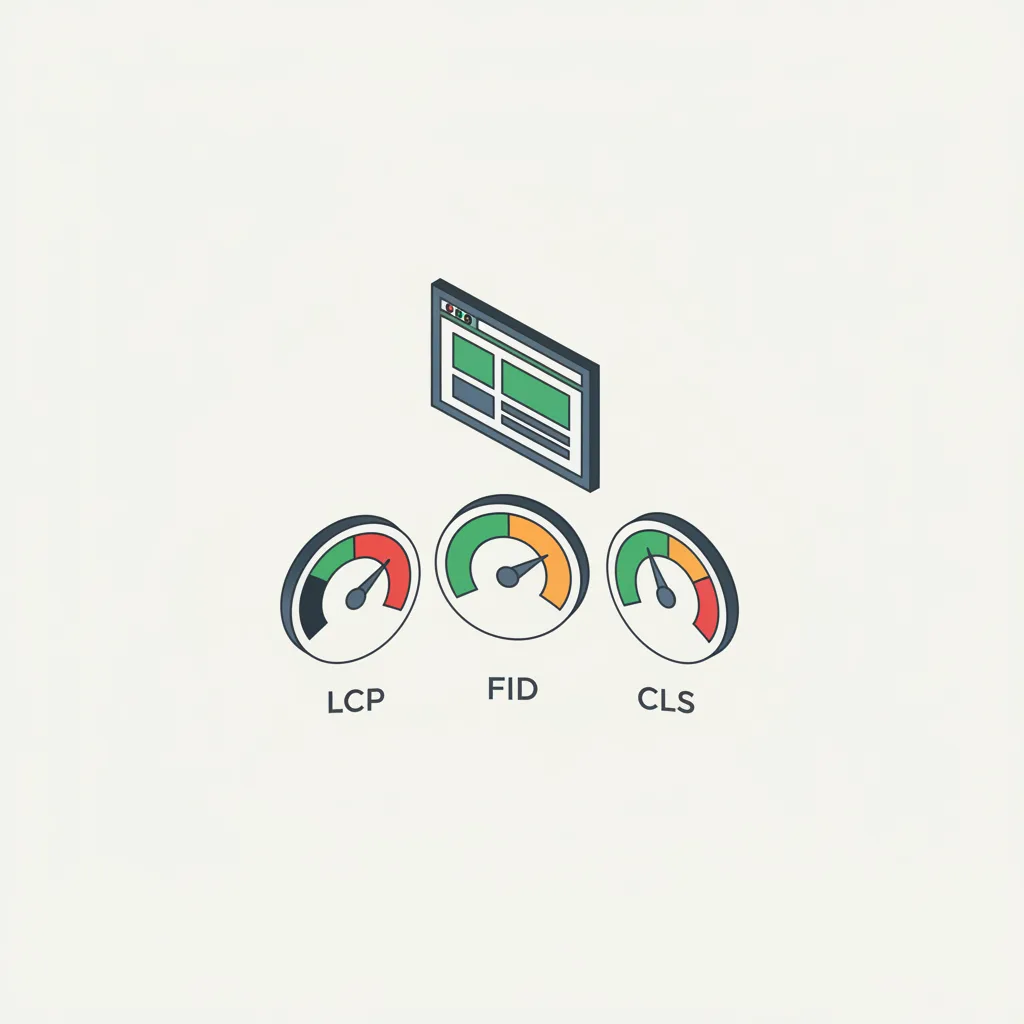
Google introduced Core Web Vitals as an official ranking factor in 2021, which means poor performance can hurt your search visibility. According to Google’s research, sites with good Core Web Vitals tend to have lower bounce rates and higher user engagement. The three metrics break down as follows: Largest Contentful Paint (LCP) measures how long it takes for the main content to load, First Input Delay (FID) measures how long it takes your site to respond to user clicks and touches, and Cumulative Layout Shift (CLS) measures how much the page layout shifts around while it’s loading. Each metric has specific thresholds that Google considers “good,” “needs improvement,” or “poor.”
Why Should You Care About Page Speed for Your Rankings?
Answer Capsule: Fast websites rank higher because users stay longer, click more, and convert more frequently. SEO rankings favor sites with good Core Web Vitals, so slow pages lose visibility and traffic over time.
Search engines, especially Google, care about user experience because happier visitors spend more time on sites and come back more often. Fast websites deliver that experience, which means Google rewards them with better rankings. If your site takes five seconds to load, visitors are already heading to your competitor’s site that loads in two seconds.
The relationship between page speed and SEO goes beyond just rankings. Studies show that each one-second delay in page load time increases bounce rate by 7%. For small businesses, that means losing customers before they even see what you offer. Google’s algorithm uses Core Web Vitals as one of many ranking signals, but it’s a significant one. A website redesign with professional website design services can improve these metrics substantially. When Google crawls your site, it’s checking how your pages perform on both desktop and mobile devices. Mobile speed is especially critical since most searches now happen on phones.
How Does Largest Contentful Paint Impact Your Site?
Answer Capsule: LCP targets 2.5 seconds or less for good performance. Large unoptimized images, slow server response, and render-blocking JavaScript are common culprits slowing down LCP times.
Largest Contentful Paint (LCP) measures when the biggest visual element on your page finishes loading—whether that’s an image, video, or heading. If your hero image takes eight seconds to appear, your LCP is eight seconds, and Google will flag it as poor. Visitors see a blank screen and assume your site is broken.
The reason LCP matters so much is simple: it directly reflects when a visitor sees the meaningful content they came for. If your homepage hero image is 5MB and uncompressed, it’s going to load slowly. This metric rewards sites that optimize their largest visual elements—usually by compressing images, using modern formats like WebP, and lazy-loading content that appears below the fold. Small Atlanta businesses often struggle with LCP because they upload high-resolution images without optimization. A simple fix like running images through TinyPNG or ImageOptim can cut load times in half. Server response time also plays a role; if your hosting is slow, even optimized assets will take too long to deliver.
What Is First Input Delay and Why Does It Matter?
Answer Capsule: FID below 100 milliseconds is considered good. Slow JavaScript execution blocks the main thread, causing delays between user actions and browser response.
First Input Delay (FID) measures the time between when a visitor clicks a button, fills out a form, or taps a link and when your browser actually responds. High FID makes your site feel sluggish and unresponsive. It’s the metric that determines whether your site feels snappy or frustrating.
FID specifically measures the delay caused by JavaScript processing, not the time it takes for the action to complete. A visitor clicks your “Contact Us” button, but it takes 300 milliseconds for the page to respond—that’s poor FID. This happens when your JavaScript files are too large or running heavy computations when the page is still loading. Mobile users notice FID delays more than desktop users because mobile devices have less processing power. If you’re running multiple tracking scripts, ads, or analytics code simultaneously, you’re probably hurting your FID. Auditing your scripts and deferring non-critical JavaScript can improve responsiveness significantly.
How Does Cumulative Layout Shift Affect User Experience?

Answer Capsule: CLS under 0.1 is considered good performance. Unresized images, fonts loading late, and dynamically injected content cause most layout shifts on websites.
Cumulative Layout Shift (CLS) measures how much your page layout moves around after it starts loading. When you’re reading an article and an ad suddenly loads above it, pushing your text down, that’s layout shift. It’s annoying for users and a red flag for Google.
CLS is the hardest metric to see in action because it happens during loading, not in the final rendered page. The best way to prevent it is to reserve space for elements before they load. If you’re using images, specify their width and height. If you’re loading ads or embeds, give them a designated container space. Fonts that load late cause CLS because text reflows when the font switches from a system font to your custom font. Using font-display: swap; in your CSS can reduce that flicker. This metric particularly impacts user trust; people wonder if a site is safe when content keeps moving around.
What Tools Can Help You Measure Your Core Web Vitals?
Answer Capsule: Google’s PageSpeed Insights shows your Core Web Vitals scores and provides specific optimization recommendations for your site.
Google provides free tools to check your Core Web Vitals and get specific recommendations for improvement. Google PageSpeed Insights is the most straightforward—just paste your URL and it shows your scores with actionable suggestions. You also get separate scores for mobile and desktop performance.
Beyond PageSpeed Insights, Google Search Console provides Core Web Vitals data for your entire site, grouped by page. This helps you identify which pages need the most attention. For more detailed analysis, WebPageTest lets you test from different locations and browsers, giving you granular performance data. GTmetrix combines multiple performance metrics and gives you a waterfall view of how assets load. Small business owners should check these tools at least monthly to track improvements and catch issues early. If you’re making changes, test before and after to see the impact.
How Can Small Businesses Improve Their Core Web Vitals?
Answer Capsule: Image optimization, JavaScript minimization, and hosting upgrades deliver the fastest results for improving Core Web Vitals across all metrics.
Start with the big wins: optimize your images, minimize JavaScript, and improve your hosting. Many small business websites run on shared hosting that’s slower than dedicated or managed WordPress hosting. Switching to better hosting can improve server response time by 50% or more.
Most Atlanta small businesses can make significant improvements without hiring a developer. Using a CDN like Cloudflare distributes your content globally so it loads faster for all visitors. Enabling GZIP compression on your server reduces file sizes automatically. Removing unused plugins and scripts reduces JavaScript bloat. If your site was built several years ago, a full website redesign with modern practices might be more effective than patchwork fixes. You should also audit third-party scripts—embedded chat widgets, analytics code, and social media feeds can slow down your page if not handled correctly. Lazy-loading techniques ensure images and videos only load when visitors scroll to them, not when the page first opens.
Why Does Mobile Core Web Vitals Performance Differ from Desktop?
Answer Capsule: Mobile sites must load faster and respond quicker because of hardware limitations and network speeds. Mobile-first optimization is now the standard for SEO ranking.
Mobile devices have less processing power, smaller screens, and slower internet connections than most desktop computers. This means metrics like FID and LCP often perform worse on mobile, even if your desktop scores are excellent. Google prioritizes mobile performance in its algorithm because most searches happen on phones.
When Google evaluates your Core Web Vitals, it tests both mobile and desktop versions of your site. Mobile traffic now accounts for over 60% of all web traffic, so Google weights mobile performance heavily in its ranking algorithm. A site that loads in two seconds on desktop but five seconds on mobile will lose ranking visibility. Testing on actual mobile devices matters more than desktop testing because real-world mobile networks are slower than your office WiFi. Use Google’s mobile-friendly test to see how Google renders your site on mobile. If you’re designing a new website, start with mobile in mind—mobile-first design naturally leads to better Core Web Vitals performance.
Frequently Asked Questions
What’s the difference between Core Web Vitals and other performance metrics?
Core Web Vitals are the three metrics Google specifically uses in its ranking algorithm. Other metrics like Time to First Byte or First Contentful Paint provide useful information, but only Core Web Vitals directly impact your search rankings.
Can I ignore Core Web Vitals if my site ranks well now?
Google’s algorithm changes frequently, and Core Web Vitals have only become more important since 2021. Sites ignoring performance now will likely see ranking drops as Google continues to emphasize user experience. Improving them now keeps you ahead of competitors.
How long does it take to improve Core Web Vitals?
Some fixes like image optimization show results within days. Others like switching hosting providers or redesigning your site take weeks or months. Start with quick wins and prioritize based on your current scores.
Do Core Web Vitals affect my Google Ads cost?
Core Web Vitals don’t directly impact your Google Ads quality score, but page experience does influence your landing page experience rating. Better scores can lead to lower costs per click over time.
Should I hire someone to fix my Core Web Vitals?
If you’re comfortable with technical changes, many fixes are DIY. But if your site is complex, has custom code, or needs a complete redesign, hiring a professional ensures the work is done correctly and thoroughly.
Page speed used to be something web developers cared about. Now it’s a business metric that determines whether customers find you or your competitor. Core Web Vitals put a measurable framework around performance, so you know exactly what to improve and how much impact those improvements make. For small businesses fighting for visibility in search results, better Core Web Vitals mean better rankings, more traffic, and more customers finding what you offer before they bounce to someone else.