
Lead Capture To Pipeline To Revenue: The Automation Flow We Build
The exact lead-to-revenue automation flow Cause & Effect builds for every partner. Forms, CRM, follow-up, pipeline, and revenue tracking, connected.

TL;DR
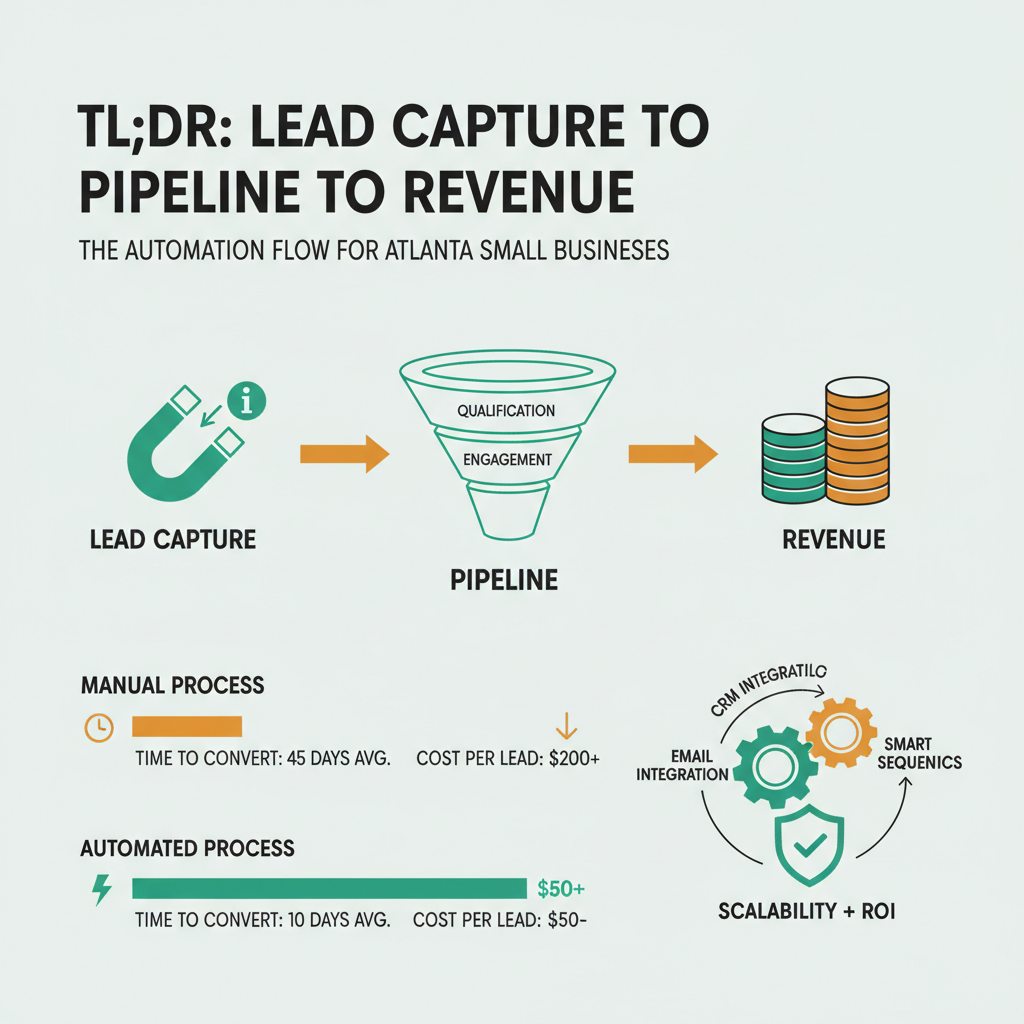
The lead-to-revenue flow is a five-stage automation built on GoHighLevel: form capture, CRM routing, instant-response SMS and email, pipeline progression, and revenue tracking. Cause & Effect deploys this flow for every partner inside Phase 1 of the 100-day framework. It replaces ad-hoc inbox chaos with a system that catches leads in seconds and tracks them to cash.
What is a lead-to-revenue automation flow?
A lead-to-revenue automation flow is a connected system where a lead enters through a form, gets routed to the CRM, triggers immediate follow-up, moves through pipeline stages, and ends at a booked revenue event, with every step tracked and attributed.
The point of the flow is to replace human-dependent handoffs with automated ones. Without automation, a lead lands in an inbox somewhere, gets seen when the founder checks email, gets responded to hours later, and then lives in a mental list that eventually forgets to follow up. With automation, the same lead gets a response in under 60 seconds, appears in a pipeline with a clear next action, and never gets forgotten because the system tracks it.
InsideSales research on lead response found that responding to a lead within 5 minutes produces a 9x higher conversion rate than responding within 30 minutes. The math is brutal, most small businesses are losing half or more of their qualified leads to response delay alone. Automation closes that gap structurally, not through willpower.
Cause & Effect builds this flow for every partner as part of the standard 100-day framework [pctx_010]. It’s not optional and it’s not additive, it’s foundational.
Stage 1: How does lead capture work?
Lead capture starts with forms on the website and landing pages, plus inbound phone calls tracked with call logging. Every form submission and every call creates a lead record in the CRM instantly.
The forms are not generic contact forms. They’re purpose-built for qualification. A typical capture form asks for name, email, phone, one or two qualification questions (service needed, timeline, budget range), and how they heard about you. The qualification questions do two things: they filter out obvious non-fits before the sales conversation starts, and they route qualified leads to the right pipeline faster.
On the technical side, every partner site we build uses native forms integrated with GoHighLevel rather than third-party form embeds. Native forms eliminate latency, avoid the data-loss risk of third-party tools going down, and give us control over the schema that gets sent to the CRM. The forms post via AJAX so there’s no page reload and no lost data on slow connections.
Phone calls get tracked with dynamic number insertion, a separate phone number displayed on the website that forwards to the real business number and logs the call in the CRM. This gives clean attribution: we know every call came from organic search, paid search, or direct traffic, which informs later optimization.
Stage 2: How does CRM routing work?
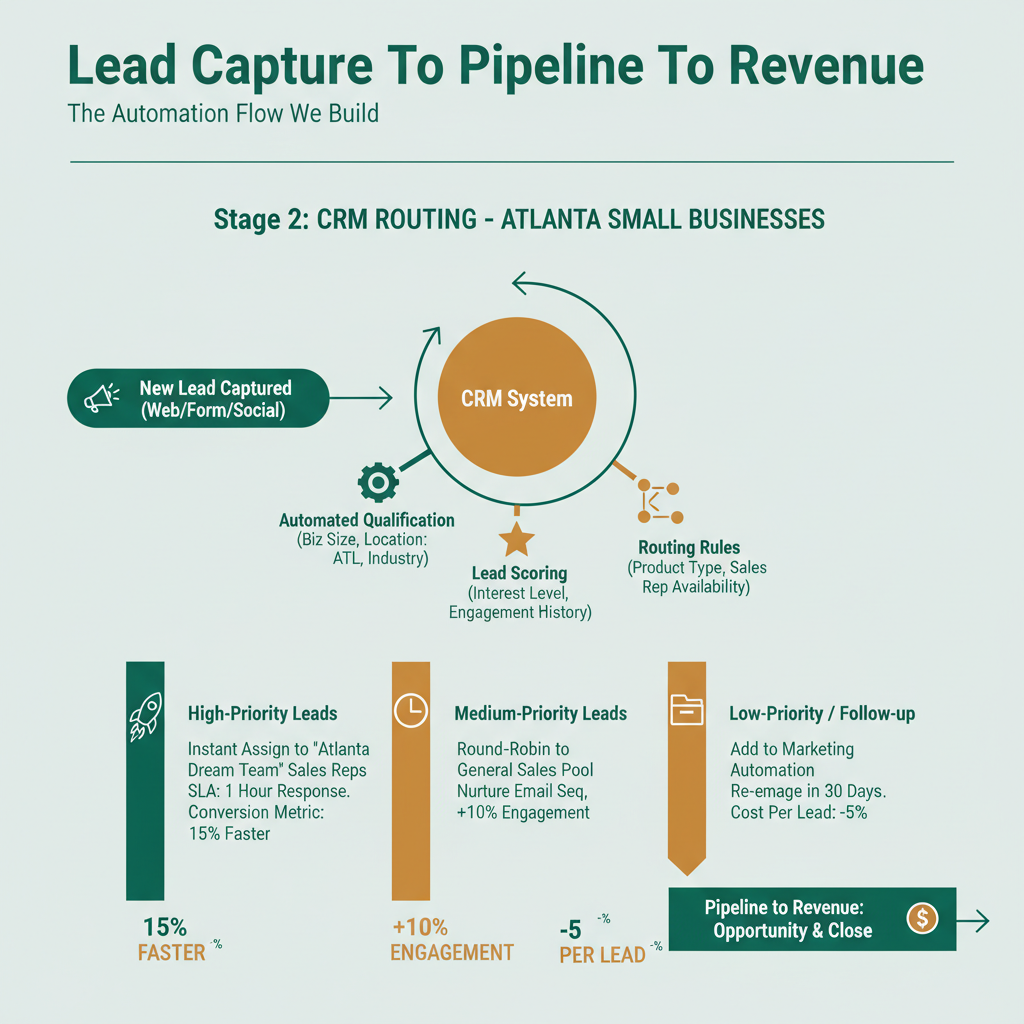
CRM routing takes the new lead record, tags it with source and campaign data, assigns it to the right pipeline, and triggers the initial outreach sequence within seconds.
Routing logic varies by business but follows the same pattern. New leads get automatic tags based on source (organic, paid, referral), service interest (from form data), and qualification score (from form questions). The tags determine which pipeline the lead enters, a lead interested in Service A goes into Pipeline A, Service B goes into Pipeline B. Simple, but most small businesses don’t do it, which is why their CRMs become a single undifferentiated heap of contacts.
GoHighLevel is our CRM of choice because it combines contacts, pipelines, automation, SMS, email, and scheduling in one platform [pctx_010]. A stack of Zapier + Mailchimp + Calendly + HubSpot can technically do the same thing, but with more seams, more failure points, and more monthly cost. GoHighLevel’s automation documentation covers the core workflow model; the pipelines, triggers, and SMS features all live in one place.
Every lead also gets a “time to first response” clock started at capture. If the founder hasn’t touched the lead within a set window (typically 15–30 minutes during business hours), a reminder fires. The reminder is intentional, we don’t want automation to replace the human touch, we want it to catch the cases where the human touch is about to slip.
Stage 3: What does instant-response follow-up look like?
Instant-response follow-up sends an SMS and an email to the lead within 60 seconds of capture. The SMS is short and human. The email includes a scheduling link.
The SMS is the single highest-leverage piece of the flow. HubSpot sales statistics show that SMS open rates run 98% versus email’s 22%, and median response time is 90 seconds versus hours for email. For lead response specifically, SMS is the channel that reliably catches leads while they’re still thinking about the problem that made them fill out the form.
The content of the SMS matters. Generic “Thanks for your inquiry, we’ll be in touch soon” gets ignored. A short, specific, human-sounding message, “Hi [name], this is [founder]. Saw your inquiry about [service]. Got 2 minutes for a quick call or want to grab a time on my calendar?”, gets real responses. We write these messages case-by-case for each partner based on their voice and their offer.
The email is the permanent record, it confirms the inquiry, includes the scheduling link, and sets expectations for next steps. The scheduling link is GoHighLevel’s built-in calendar or a connected Google Calendar. Either way, it removes the back-and-forth of “when works for you.”
If the lead doesn’t respond to the initial SMS/email combo within 24 hours, a second, softer follow-up goes out. If no response after 72 hours, a third. The full sequence has 5–7 touches over 14 days. Most responses come in the first 48 hours. The later touches catch the long tail.
Stage 4: What pipeline stages actually matter?
A good pipeline has 5–7 stages, each with a clear definition and a clear exit criterion. Fewer stages create fog. More stages create micro-management.
| Stage | Definition | Exit Criterion |
|---|---|---|
| New Lead | Just captured | Contact attempted |
| Contacted | Outreach sent | Response received |
| Conversation | Engaged in dialogue | Qualified or disqualified |
| Proposal | Sent proposal/quote | Response to proposal |
| Closed-Won | Signed/paid | , |
| Closed-Lost | Explicitly declined | , |
That’s six stages. Most small businesses need exactly this many. Adding “Nurturing,” “Follow-up,” or “Warm Lead” creates buckets that collect stale leads without forcing a decision.
The discipline is weekly pipeline review. Every lead must have a next action and a date by which that action happens. Leads without a next action get moved to Closed-Lost with a reason code. Dragging stale leads forward indefinitely destroys pipeline visibility and makes forecasting impossible.
A Salesforce State of Sales report found that teams using disciplined pipeline stage management close 28% more deals than teams with loose or ad-hoc stages. The discipline itself is the edge, not the software.
Stage 5: How do you track revenue attribution?
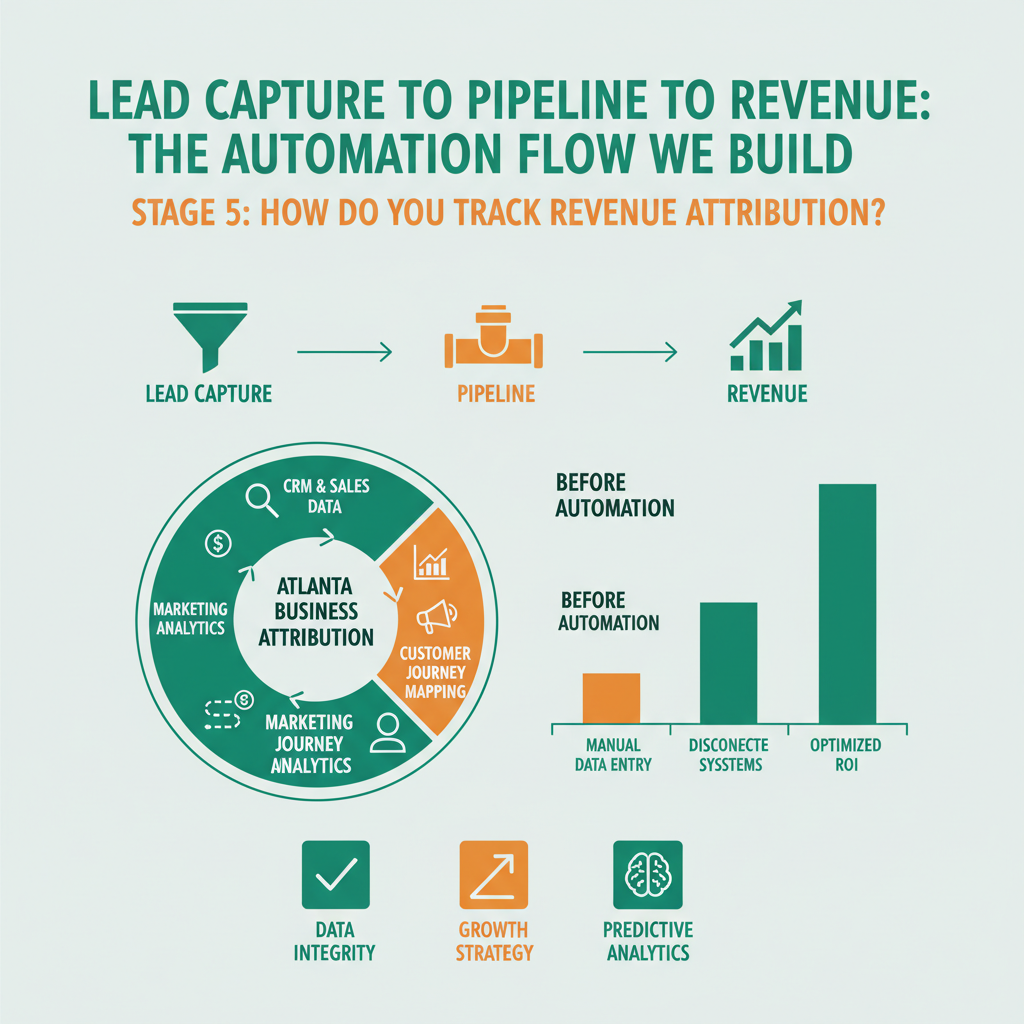
Revenue attribution connects the closed-won event to the original lead source so you know which channels and campaigns actually produced revenue, not just clicks or form fills.
The mechanics are straightforward in GoHighLevel. When a lead enters the CRM, the source tag is set (organic, paid, referral, direct). When the lead moves to Closed-Won with an amount, the amount attributes back to the original source through the tag lineage. Monthly reports show revenue by source, revenue per lead, and conversion rate by source.
Why this matters: most small businesses spend marketing budget on gut feel about which channel is working. Revenue attribution turns gut feel into arithmetic. A channel that produces 40 leads per month at a 5% close rate and $1,200 average deal size generates $2,400 in monthly revenue. A channel that produces 10 leads at a 25% close rate and $2,000 average deal size generates $5,000. The first channel looks busier; the second channel makes more money. Without attribution, the founder can’t see the difference.
This feeds directly into the CAC, LTV, and break-even tracking we covered in the CAC/LTV/break-even post. Revenue attribution is the input data for all three numbers. Without it, unit economics remain guesses.
How does this fit the three-discipline model?
Cause & Effect combines digital infrastructure, financial modeling, and operations optimization under a single engagement [pctx_017]. The lead-to-revenue automation flow sits squarely at the intersection of digital infrastructure and operations.
The digital infrastructure side builds and connects the pieces, forms, CRM, SMS, email, scheduling, pipelines. The operations side designs the flow around the partner’s real sales motion, the real bottlenecks, and the real handoffs. And the financial modeling side pulls attribution data from the flow to populate the CAC, LTV, and break-even model.
It’s one engagement, not three. That’s the point of the partnership model, you get the flow designed, built, and tied into the financial model by the same team, which is what makes it actually work in practice instead of becoming a half-deployed piece of software.
What does this look like for Atlanta service businesses?
For Atlanta service businesses, the lead-to-revenue flow has a specific local twist: fast response time matters even more because Atlanta customers have high alternatives. If you take 45 minutes to respond, they’ve already called two competitors.
We’ve deployed this flow for Atlanta home services, legal practices, healthcare offices, and creative agencies. The core structure is identical; the qualification questions and pipeline stage definitions adapt to the vertical. A home services business needs fast dispatch-style scheduling. A legal practice needs intake form sophistication. A creative agency needs proposal routing. Same five stages, different content.
Partners who deploy this flow in Phase 1 of the 100-Day Growth Partnership typically see their response time drop from 2–4 hours to under 60 seconds and their lead-to-meeting conversion rate increase by 30–60% within the first month, just from speed alone.
FAQ
How much does this automation stack cost?
GoHighLevel runs $97–$297 per month depending on plan. Cause & Effect absorbs this cost for partners in the growth partnership [pctx_010]. Standalone clients pay the SaaS cost directly. Add-on tools (phone number tracking, SMS volume) typically add $20–$80 per month.
Can I build this on HubSpot, Pipedrive, or Salesforce instead?
Yes. The architecture is the same. GoHighLevel is our default because it bundles everything needed in one platform, but the same five-stage flow works on any CRM with automation and SMS capabilities.
How long does it take to set up the flow?
A complete setup takes 3–7 days depending on business complexity. Partners in the 100-day framework see the flow live by day 10–14. Standalone CRM engagements typically take 2–3 weeks for full configuration and testing.
What happens if the founder doesn’t check the CRM?
The automation runs whether or not the founder checks it. Every lead gets the initial SMS/email. Reminders fire if the founder doesn’t act within the window. The system keeps leads moving even on days the founder is slammed.
How do I handle leads that aren’t ready to buy yet?
A long-term nurture sequence runs in parallel, a light-touch email every 2–3 weeks with useful content. Nurture leads re-enter the pipeline when they engage with the content or respond to check-ins. Don’t treat every lead as ready-now; most aren’t.
What if my business gets few leads, is this overkill?
No. The flow pays off more when leads are scarce because every lead is worth more. A business getting 5 leads per week can’t afford to lose any to response delay. Automation guarantees none get lost.
How do I measure if the flow is working?
Three metrics: median time to first response (should be under 60 seconds), lead-to-meeting conversion rate (should improve 30%+ after deployment), and revenue attribution by source (should now exist at all). If any of the three isn’t improving, the flow needs review.
Can Cause & Effect build this for me without a partnership?
Yes. CRM and automation setup is one of our commercialized fallback services, available as a flat-fee engagement. The services page has details. Partners in the growth partnership get it bundled automatically.
Get in Touch
If your current lead handling is inbox chaos, the fastest operational win you can make is deploying this flow. Book a qualification call and we’ll review your current setup, identify the biggest leaks, and tell you whether the partnership or a standalone CRM setup is the right fit.
Christopher Drake Griffith is the co-founder of Cause & Effect Strategic Partners. Based in Atlanta. LinkedIn.
Last updated: 2026-04-15