
On-Page SEO Optimization: 10 Elements That Impact Rankings
On-page SEO is where most small business owners actually have direct control. You own the content, the HTML, the structure, the headlines. Unlike backlinks or b
On-page SEO is where most small business owners actually have direct control. You own the content, the HTML, the structure, the headlines. Unlike backlinks or brand mentions that depend on others, on-page factors respond immediately to your changes. This post breaks down the ten elements that search engines look at when deciding whether your page deserves to rank.
What is on-page SEO and why does it matter?
Answer Capsule: On-page SEO refers to the HTML elements and content strategies you control directly on your website pages to improve search engine rankings.
On-page SEO matters because it tells search engines what your page is about and whether it matches what someone searched for. Google’s systems analyze over 200 ranking factors, and according to SEMrush data on ranking correlation, on-page elements remain foundational to visibility. When you optimize these elements correctly, you remove barriers between your content and the people searching for solutions you provide. For small businesses competing against larger brands, on-page excellence becomes your strongest lever because it’s fully within your control.
How does your page title impact search visibility?
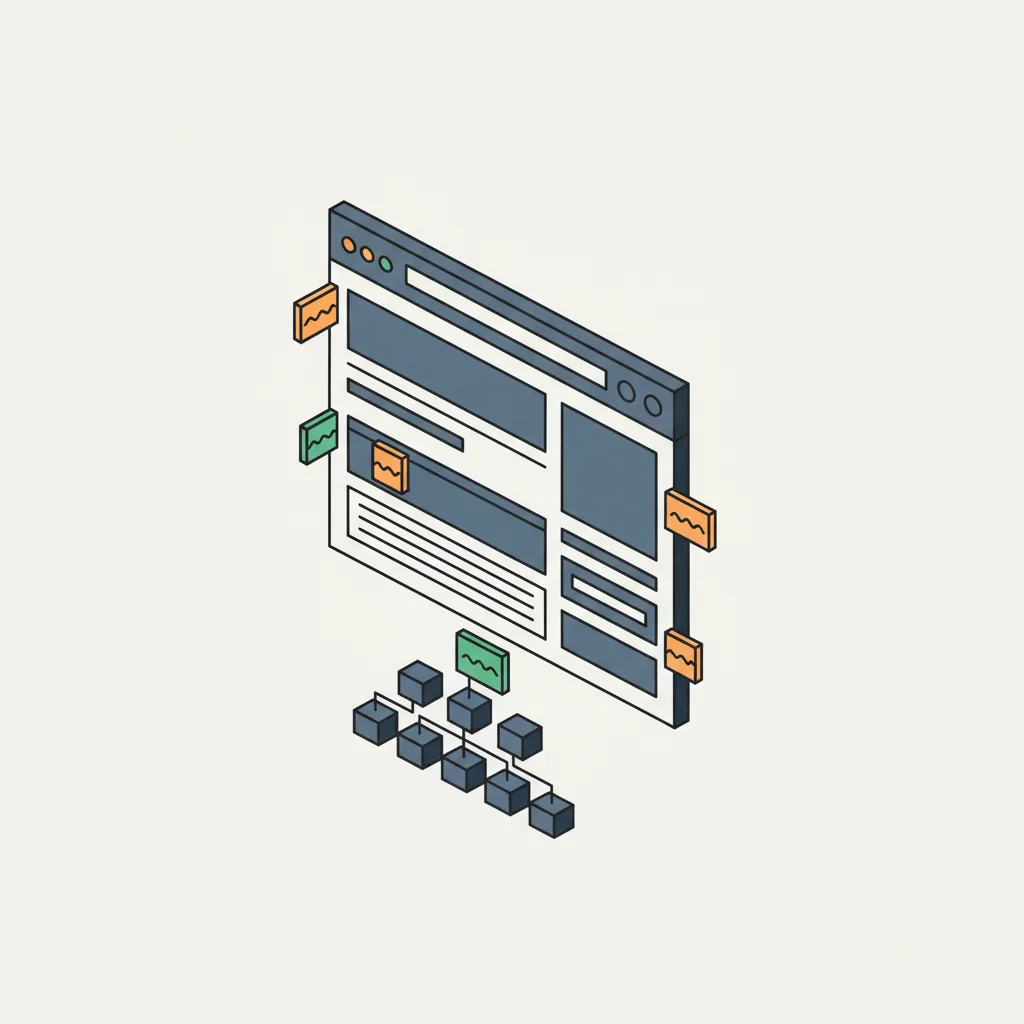
Answer Capsule: Your page title appears in search results and browser tabs, serving as a direct ranking signal to Google.
The title tag is one of the strongest on-page ranking signals available. According to Backlinko’s ranking factors study, title tag optimization has high correlation with search rankings. Your title should include your target keyword near the beginning, stay under 60 characters to avoid truncation in search results, and read naturally to humans. A title like “On-Page SEO Optimization: 10 Elements That Impact Rankings” works because it includes the keyword, hints at content value, and invites clicks. Generic titles like “Page 1” or “Home” waste this valuable real estate entirely.
Why should your meta description get careful attention?
Answer Capsule: Meta descriptions provide a brief summary of your page content that appears below your title in search results.
While meta descriptions don’t directly influence rankings, they dramatically affect click-through rates. When someone sees your snippet in search results, a compelling meta description makes them click your link instead of a competitor’s. Aim for 155-160 characters so your full description displays on desktop and mobile. Include your target keyword naturally, create curiosity or clarity about what they’ll find, and write from the searcher’s perspective, not the business’s perspective. A strong meta description might read: “Discover the 10 on-page SEO elements that move rankings. Learn what Google analyzes and how to optimize each factor for better visibility.”
What role does header structure play in SEO performance?
Answer Capsule: Headers (H1, H2, H3 tags) organize your content and signal topic hierarchy to search engines.
Headers serve two functions: they help readers scan and understand your content flow, and they help search engines grasp your page’s structure and main topics. Your H1 should be unique per page, include your primary keyword once, and describe the page’s main topic clearly. Only use one H1 per page. Subheadings (H2, H3) break content into digestible sections. When headers follow a logical hierarchy and include relevant keywords naturally, they reinforce your topic focus without triggering keyword stuffing penalties. Headers also improve accessibility for screen readers, which aligns with Google’s recent push toward user experience signals.
How do keyword density and placement affect your rankings?
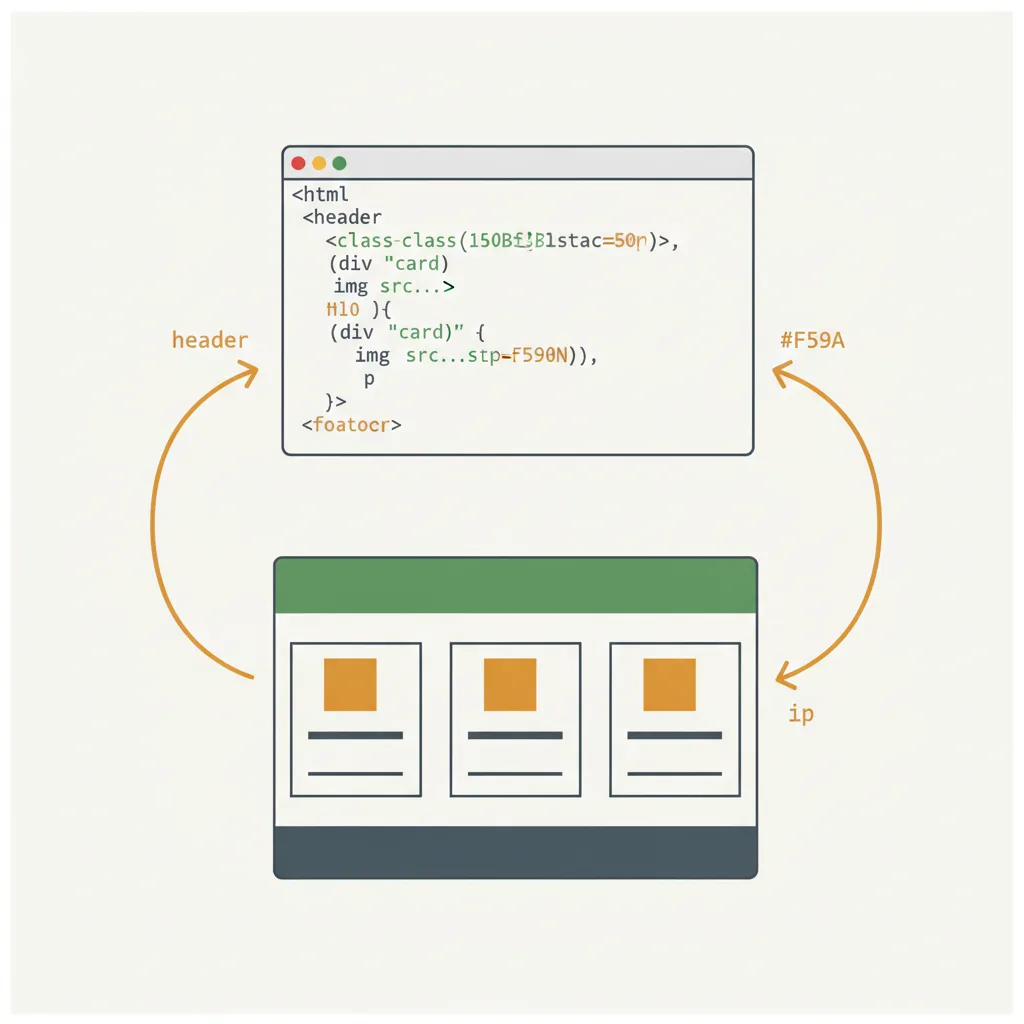
Answer Capsule: Keyword placement means where your target keyword appears on the page; keyword density means how often it appears relative to total words.
Place your target keyword in your H1, early in your first paragraph, and naturally throughout the content wherever it fits. Google’s systems look for semantic relevance, meaning related words and concepts matter more than exact keyword repetition. Older SEO tactics focused on keyword density percentages (2-3%), but modern search engines understand natural language. If you’re writing a 2,000-word post about “on-page SEO factors,” you’ll probably use that phrase 15-20 times without forcing it. Keyword stuffing backfires because it creates poor user experience and Google detects the spam patterns. Write for humans first, and keyword distribution handles itself.
Why is content length important for SEO?
Answer Capsule: Content length correlates with ranking position, though length itself isn’t the ranking factor.
According to Semrush’s analysis of top-ranking pages, the average word count for first-page results in competitive niches is 1,890 words. Longer content allows you to comprehensively address a topic, include more keywords and semantic variations, and demonstrate authority. However, a poorly written 3,000-word post ranks below an excellent 1,200-word post. The relationship is correlation, not causation. Length succeeds when it serves the reader’s need for thorough information. A simple how-to guide might rank well at 800 words, while a comprehensive comparison deserves 2,500. Match your content length to what the search results already show for your target keyword.
How should you structure internal links for SEO benefits?
Answer Capsule: Internal links connect your pages together and distribute authority throughout your site while guiding users deeper into your content.
Internal linking serves multiple purposes: it spreads link equity across your site, establishes information hierarchy, and keeps users engaged longer. Link to relevant pages using descriptive anchor text that hints at the linked page’s topic. For instance, if you’re explaining the importance of ongoing SEO work, link to your SEO services page using anchor text like “comprehensive SEO strategy” rather than “click here.” Avoid over-linking; each page should have 3-5 internal links maximum. Strategic internal linking helps search engines understand which pages are most important and creates a better user experience by guiding readers to related information.
What impact do page load speed and mobile optimization have on rankings?
Answer Capsule: Page speed and mobile responsiveness are explicit Google ranking factors affecting both visibility and user experience.
Google confirmed that page speed influences rankings across all devices. According to Google’s PageSpeed Insights data, pages that load in under 3 seconds have significantly lower bounce rates. Since mobile queries now exceed desktop queries, mobile optimization is non-negotiable. Ensure your site is responsive, images are optimized for web (under 100KB per image), and CSS/JavaScript are minified. Tools like Google PageSpeed Insights reveal your actual performance. Slow pages frustrate users, increase bounce rate, and signal poor quality to Google’s ranking systems. For small businesses, a WordPress site on quality hosting with a caching plugin addresses most speed issues effectively.
How do you optimize images for both users and search engines?
Answer Capsule: Image optimization makes your page faster while helping Google understand visual content through alt text and file names.
Images should be compressed before uploading to keep file sizes manageable. Rename image files descriptively: “modern-office-workspace” instead of “IMG_12345.jpg.” Write alt text that describes the image for screen readers and search engines; aim for 125 characters maximum. Alt text should be descriptive, not keyword-stuffed. For an image of a team working, alt text like “Atlanta digital marketing team reviewing SEO strategy” provides context without forcing keywords. Image sitemap inclusion helps Google discover and index your visuals. These optimizations improve accessibility, reduce page load time, and make your images discoverable in Google Images, all of which drive traffic and engagement.
Why should schema markup be part of your on-page strategy?
Answer Capsule: Schema markup is structured data language that tells search engines detailed information about your content, products, articles, and business.
Schema markup helps Google understand your content context beyond plain text. For a local business like ours in Atlanta, local business schema markup tells Google your address, phone, hours, and reviews. Article schema markup helps news and blog content display as rich snippets in results. Product schema shows prices and ratings directly in search results. Event schema displays date and location for upcoming events. While schema markup doesn’t directly cause rankings, it enables rich snippet displays that significantly increase click-through rates. Free schema markup generators like Schema.org and Google’s Structured Data Markup Helper make implementation straightforward for non-developers.
When you layer these ten elements together—strong titles, compelling descriptions, clear headers, strategic keywords, adequate content depth, smart linking, speed optimization, image refinement, and schema markup—your pages send clear signals to search engines about their quality and relevance. Each element alone might seem minor, but their combined effect determines whether your content competes or gets buried. Small businesses win not by accident but by systematic attention to the factors within their control.
Frequently Asked Questions
What’s the difference between on-page and off-page SEO?
On-page SEO includes everything you control directly on your website: titles, content, headers, images, and code. Off-page SEO includes backlinks, brand mentions, and social signals that happen outside your site. Both matter, but on-page elements are foundational because you control them completely.
How long does it take to see ranking improvements from on-page optimization?
Google typically crawls and re-indexes pages within 2-4 weeks after changes. However, ranking movements depend on content quality, keyword competition, and your site’s overall authority. Competitive keywords might take 2-3 months to show improvement, while less competitive keywords can see movement within weeks.
Can I optimize a page for multiple keywords at once?
Yes, but focus primarily on one target keyword and let related keywords (long-tail variations) support it naturally. Attempting to rank equally for 5+ unrelated keywords dilutes your message and confuses search engines about your page’s primary topic. One primary keyword with 2-3 related variations works well.
Should I rewrite my existing pages for SEO, or create new content?
Start by analyzing what’s working. Use Google Search Console to find pages that rank in positions 11-30 for valuable keywords. These pages are often closest to breaking into top 10 with targeted improvements. Rewrite underperformers first, then create new content for keyword gaps. This strategy maximizes return on effort.
Is on-page SEO enough to rank, or do I need backlinks?
On-page excellence removes barriers but doesn’t guarantee rankings in competitive niches. Backlinks signal authority and trustworthiness to Google. For most local small business keywords, strong on-page optimization ranks well. For broader, more competitive keywords, backlinks become essential. A hybrid approach—exceptional on-page work plus strategic link building—produces the fastest results.