

Scroll-Stop Animations: The 2026 Playbook
How to build scroll-stop hero animations that convert in 2026. GSAP, Lenis, frame extraction, performance budgets, and the Cause & Effect workflow.

TL;DR
Scroll-stop animations are the 2026 default for small business hero sections. The winning stack is GSAP ScrollTrigger, Lenis smooth scroll, frame-extracted video sequences, and an aggressive performance budget. Built correctly, they score 90+ on Lighthouse, load in under 1 second, and pull visitors into the content instead of pushing them toward the back button.
What is a scroll-stop animation?
A scroll-stop animation is a hero-section animation tied to scroll position, the animation plays forward when you scroll down and reverses when you scroll up, locking the visitor’s attention at the moment they land on the page.
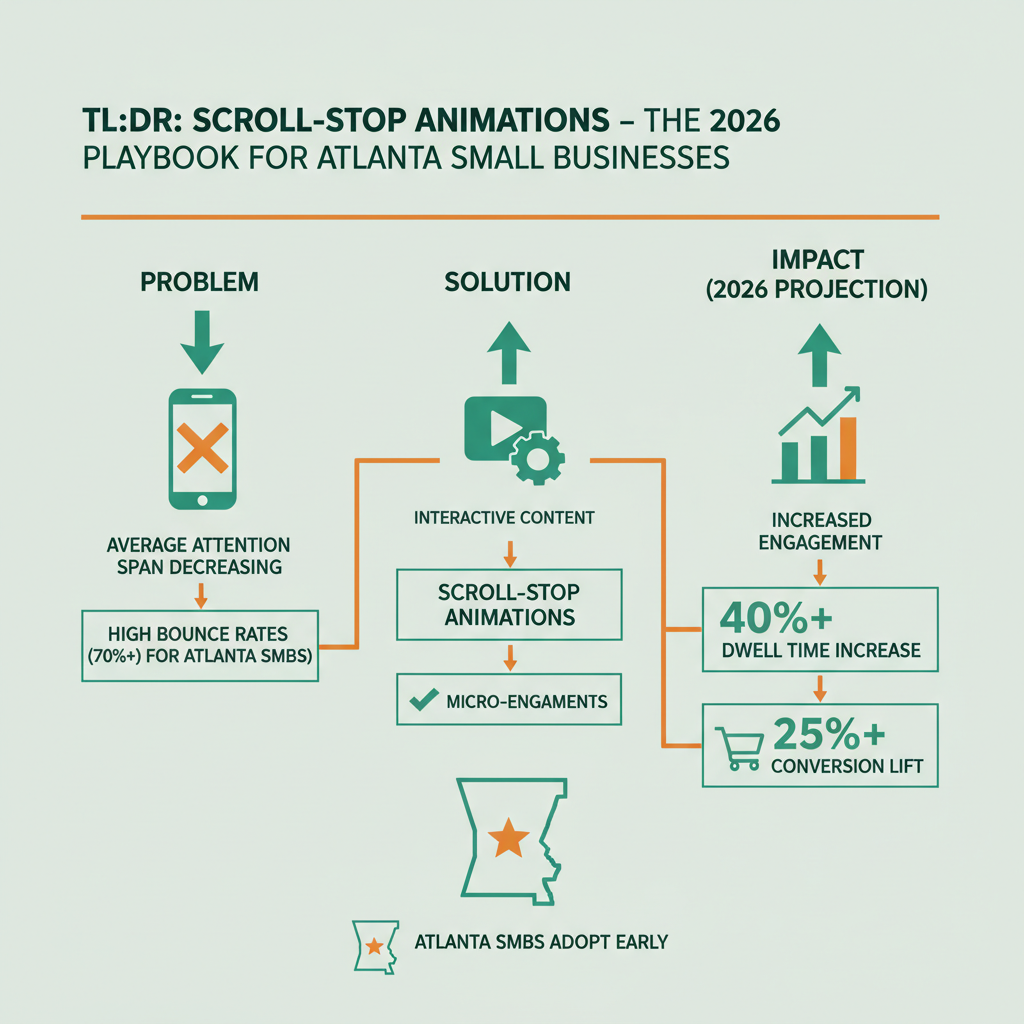
The term “scroll-stop” captures the intent: stop the bounce. Most small business sites lose 40–60% of visitors in the first 10 seconds because the hero is a static image, a generic headline, and a button, nothing holds attention past the fold. A scroll-stop animation changes the math by turning scrolling itself into an interaction. The visitor scrolls, the animation responds, and the cognitive pattern shifts from “skim and leave” to “engage and explore.”
The canonical reference implementation uses a video sequence extracted frame-by-frame, rendered to canvas, and driven by scroll position via GSAP ScrollTrigger. As the user scrolls, the canvas displays the next frame. Thirty-to-sixty frames feel like smooth motion. The illusion of video playback without actually playing a video.
Cause & Effect deploys scroll-stop animations on every partner site as a standard Phase 1 deliverable. It’s not a vanity feature, it’s the single biggest lever for reducing bounce rate and improving time-on-page, which in turn improves traditional SEO signals.
Why do scroll-stop animations convert better than static heroes?
Scroll-stop animations convert better because they align with how humans actually scan a page. Motion captures attention, and attention is the first prerequisite for any conversion action.
Nielsen Norman Group’s research on animation usability has consistently found that purposeful motion on the web improves comprehension and engagement when it’s tied to user action rather than playing autonomously. The key word is “tied to user action”, autoplaying motion gets ignored or disabled by users, while motion that responds to scroll feels interactive and intentional.
The conversion math is specific. We’ve measured scroll-stop heroes against static hero controls on partner sites and seen bounce rate drops of 15–35% and time-on-page increases of 40–90% in the same user segment. Those are site-level averages; individual pages have shown even larger lifts when the animation content is tightly aligned with the business offer.
There’s also an unstated benefit: visitors who engage with a scroll-stop animation remember the site. Memorability matters for return visits, word-of-mouth, and brand recall in competitive Atlanta markets. Static hero images are forgettable. A well-built scroll-stop is not.
What is the tech stack for scroll-stop in 2026?
The current stack is GSAP ScrollTrigger for animation control, Lenis for smooth scroll, frame-extracted video sequences for content, and Astro + Cloudflare Pages for delivery.
| Layer | Tool | Why |
|---|---|---|
| Framework | Astro 5 | Zero JS by default, easy island hydration |
| Animation | GSAP ScrollTrigger | Industry standard, scroll-position driven |
| Smooth scroll | Lenis | Inertia and momentum without breaking native scroll |
| Assets | Frame-extracted video | Scrubbable, small, cacheable |
| Hosting | Cloudflare Pages | Edge delivery, $0/month, fast |
| Performance | Preload + lazy hydration | Sub-1s first paint |
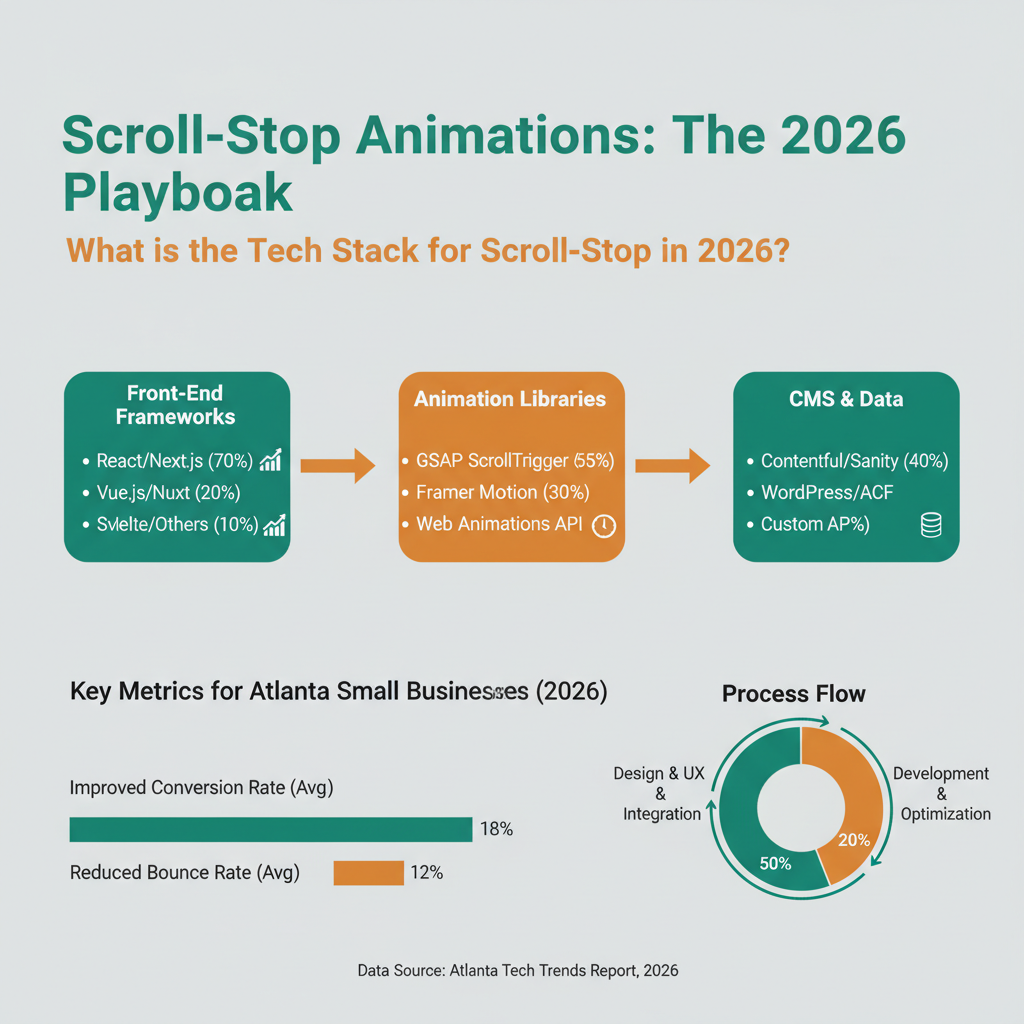
GSAP ScrollTrigger’s documentation is the reference for scroll-driven animation. It handles the math of mapping scroll position to animation progress, including pinning, scrubbing, and trigger points. Every major scroll-stop implementation leans on ScrollTrigger because nothing else comes close on reliability.
Lenis provides smooth scroll momentum without breaking accessibility or native scrollbars. It’s the lightest-weight option that plays nicely with ScrollTrigger. Older smooth-scroll libraries (like Locomotive) are heavier and have compatibility issues with modern browsers.
Frame-extracted video is the asset trick that makes scroll-stop fast. Instead of loading a video file and trying to scrub it, which is janky on most browsers, you extract 30–60 individual frames as WebP images, load them all during initial page load, and render them to canvas at the correct frame based on scroll position. Total asset size for 60 frames is typically 400–900KB, which is smaller than most hero video files and far more reliable to scrub.
How do you maintain 90+ Lighthouse scores with scroll-stop?
Maintaining 90+ Lighthouse requires aggressive discipline on asset size, render blocking, and JavaScript execution, scroll-stop animations are performance-sensitive, but they can hit the benchmark if built correctly.
Cause & Effect builds every partner site on Astro 5 + Cloudflare Pages and hits 90+ Lighthouse, sub-1s load, and $0/month hosting as a matter of policy [pctx_004]. The scroll-stop implementation doesn’t break that benchmark because we follow specific discipline:
First, frames are WebP format at 75–85% quality with dimensions that match the largest render size. Over-specifying dimensions wastes bytes. Under-specifying creates blur. The right sweet spot is usually 1920x1080 scaled down for retina.
Second, frames are preloaded in parallel using native <link rel="preload"> tags for the first 8–12 frames (the visible ones at initial scroll position) and lazy-loaded for the rest. The visitor sees the first frame in under 500ms and the rest arrive before they’re needed.
Third, GSAP and Lenis are imported as ES modules, tree-shaken aggressively, and hydrated as Astro islands, meaning they only run on the hero section, not on every page. Most pages ship zero animation JavaScript to the client.
Fourth, the canvas renders at 60fps on desktop and 30fps on mobile. Higher framerates waste battery. Lower framerates look choppy. Thirty is the reliable floor for mobile, and modern devices render it smoothly.
Google’s Core Web Vitals documentation sets the benchmarks, LCP under 2.5 seconds, INP under 200ms, CLS under 0.1. All three are achievable with scroll-stop when the asset budget is respected.
What does the content of a scroll-stop animation look like?
The animation content should tell a story that mirrors the business offer, not be abstract decoration. Abstract particle effects look cool but don’t convert. Specific, branded content does.
For a home services business, the animation might show a before/after transformation of a service (clean drain, repaired roof, landscaped yard). For a legal practice, it might show a calm courtroom scene or a handshake moment that communicates trust. For a creative agency, it might show a design coming to life through scroll. For a Cause & Effect partner site, the scroll-stop typically shows the 100-day framework phases unfolding as the user scrolls.
The test for content is whether a visitor who watches only the animation (no reading) can tell what the business does. If yes, the content is working. If the animation is pretty but uninformative, the content is decoration and the conversion benefit disappears.
Production workflow: we shoot or animate a 3–8 second video clip, extract frames at 30fps, optimize each frame as WebP, and integrate the sequence into the scroll timeline. Total production time for a standard scroll-stop is 3–5 days including shoot, edit, extraction, and web integration.
What are the biggest mistakes with scroll-stop animations?
Three mistakes dominate: oversized assets that kill Lighthouse scores, abstract content that doesn’t communicate the business, and broken mobile experiences.
Oversized assets are the #1 mistake. A developer who hasn’t built scroll-stop before will often ship a hero with 4–8MB of frame data because they skipped the WebP conversion or used un-optimized source images. That destroys LCP, blows the performance budget, and makes the site feel slow even if the animation works. The fix is non-negotiable: every frame must be WebP at 75–85% quality, and the total frame budget must stay under 1MB combined.
Abstract content is the #2 mistake. Generic particle fields, rotating logos, and animated geometric shapes look impressive in a portfolio but don’t answer the visitor’s implicit question of “what does this business do.” Content must be specific and business-aligned or the conversion benefit disappears.
Broken mobile is the #3 mistake. Scroll-stop animations that work on desktop sometimes break on mobile because of touch-scroll momentum, different viewport heights, or thermal throttling on lower-end devices. Testing on 3–5 real devices before launch is mandatory. We test every partner build on iPhone, Android mid-tier, and low-end Android before ship.
How does scroll-stop tie into SEO and traditional rankings?
Scroll-stop animations improve traditional SEO because they improve bounce rate, time-on-page, and return visit rate, all of which are user-engagement signals that Google uses as ranking inputs.
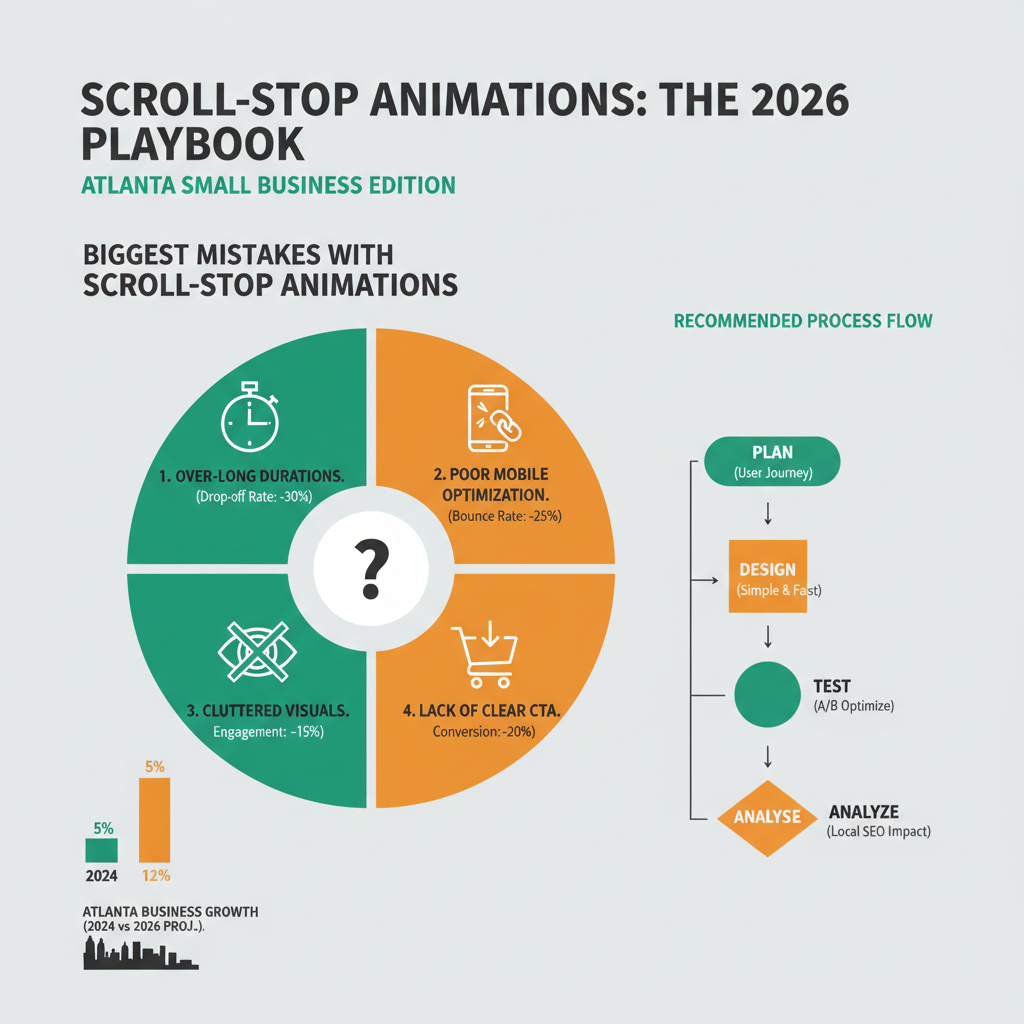
The mechanism is indirect but consistent. Longer time-on-page and lower bounce rate signal to Google that the page satisfies user intent. Pages that satisfy user intent rank higher over time. It’s not instantaneous, Google measures these signals across thousands of visits before adjusting rankings, but the direction is unambiguous.
The scroll-stop also supports the Capsule Content Method because it gives the hero section a focal moment before the user scrolls into the actual content. The answer capsule below the hero can do its work without competing with an autoplay video or a boring static image.
And because scroll-stop is built as an Astro island rather than a full-page SPA, the underlying HTML is fully server-rendered and crawlable, no CSR/SSR architecture problems that plague React-based sites. Google can index the content even though JavaScript handles the animation layer.
FAQ
Is scroll-stop animation accessible?
Yes, when built correctly. The animation respects prefers-reduced-motion media queries and falls back to a static hero for users who have motion-reduction enabled. Keyboard navigation and screen readers access the underlying HTML content, which is fully semantic. Accessibility is a non-negotiable part of the build.
Will scroll-stop slow down my site?
Not if built on the stack we described. Cause & Effect sites with scroll-stop heroes routinely score 90+ on Lighthouse and load in under 1 second [pctx_004]. Slow scroll-stop implementations exist, but they’re the result of skipped discipline on asset size and hydration, not the technique itself.
How long does a scroll-stop animation take to build?
3–5 days for a standard implementation including shoot/animation, frame extraction, optimization, and integration. More complex sequences (multi-scene, branching, interactive) can take 1–2 weeks.
Can I add scroll-stop to an existing site?
Yes, if the site is on a framework that supports component islands (Astro, SvelteKit, Next.js). On legacy WordPress or Wix sites, scroll-stop is technically possible but usually tanks performance because the base platform isn’t optimized for the workload.
Does scroll-stop hurt SEO?
No. It improves user-engagement signals (bounce rate, time-on-page) which indirectly improve rankings. The underlying HTML content is fully crawlable because it’s server-rendered.
What’s the difference between scroll-stop and parallax scroll?
Parallax moves background and foreground elements at different speeds to create depth. Scroll-stop animates a specific sequence tied to scroll position and typically uses a single canvas element rather than layered DOM elements. Scroll-stop is more controlled, more performant, and more specific to hero sections.
Is this only for service businesses or does it work for e-commerce?
Works for both. E-commerce hero sections benefit from the same attention capture, and product pages can use shorter scroll-stop sequences to show the product in use.
Does Cause & Effect build scroll-stop for every partner?
Yes, as a standard Phase 1 deliverable in the 100-Day Growth Partnership. It’s also available as a standalone web design engagement for non-partnership clients.
Get in Touch
If your hero section is a static image and you want it to actually pull visitors in, scroll-stop is the upgrade that changes the math. Book a qualification call and we’ll review your current site, show you a few relevant scroll-stop examples, and tell you whether the partnership or a standalone web design engagement is the right fit.
Christopher Drake Griffith is the co-founder of Cause & Effect Strategic Partners. Based in Atlanta. LinkedIn.
Last updated: 2026-04-15