

Technical SEO Basics: What Small Business Owners Need to Know
If you're running a small business in Atlanta, you've probably heard that SEO matters. But while many owners focus on keywords and content, they miss something
If you’re running a small business in Atlanta, you’ve probably heard that SEO matters. But while many owners focus on keywords and content, they miss something equally important: technical SEO. This isn’t about what your website says—it’s about how your website works. Technical SEO covers everything from how fast your pages load to whether Google can actually crawl your site. Get these fundamentals right, and you’ve built a solid foundation that lets great content perform the way it should.
What Exactly Is Technical SEO?
Answer Capsule: Technical SEO refers to the backend optimization of your website to help search engines crawl, index, and rank your pages more effectively without being blocked by technical issues.
Technical SEO is the infrastructure work that happens behind the scenes. While content SEO focuses on what you write and on-page SEO focuses on how you structure it, technical SEO ensures your website’s code, speed, and architecture work together smoothly. Think of it like the difference between a well-written article and a well-designed book: you can have amazing content, but if the pages don’t load properly or search engines can’t read them, nobody benefits. Semrush defines technical SEO as the optimization of your website’s technical elements to improve its visibility and crawlability. For small businesses, this means your website needs to pass basic health checks before you invest heavily in content marketing.
Why Should Small Businesses Care About Technical SEO?
Answer Capsule: Small business owners should care about technical SEO because it directly affects whether potential customers can find your site and have a good experience when they arrive.
Many small business owners assume their website developer “took care of everything,” only to discover later that technical issues are holding back their traffic. Poor site speed, broken links, and crawl errors don’t just frustrate visitors—they signal to Google that your site isn’t reliable. Google’s own documentation explains that crawlability and indexing are prerequisites for ranking. Technical SEO issues are often invisible to you until they impact your bottom line. Fixing them early costs far less than rebuilding after search traffic drops.
How Does Site Speed Impact Your Rankings?
Answer Capsule: Site speed is a confirmed ranking factor, and slower pages frustrate users—causing them to leave before they convert, which signals to Google that your site isn’t delivering value.
Google stated years ago that page speed is a ranking factor, and the impact has only grown. A one-second delay in mobile page load time can decrease conversions by 7%. For a small business relying on website leads, this matters enormously. Speed issues often trace back to unoptimized images, slow hosting, excessive code, or too many third-party scripts. You don’t need a rocket-fast site to rank, but you do need one that doesn’t feel sluggish. Tools like Google PageSpeed Insights give you a starting point, though actionable fixes require technical know-how—this is where professional website design services often make a difference.
What Are Crawl Errors and Why Do They Matter?
Answer Capsule: Crawl errors occur when Google’s bots try to access your pages but encounter problems—like broken links, blocked resources, or server errors—which prevents indexing and ranking.
Your website is only valuable to search engines if they can actually read it. Crawl errors act like locked doors that prevent Google from reaching important pages. Common ones include 404 errors (page not found), 403 errors (forbidden access), and blocked resources that Google can’t load. If your robots.txt file accidentally blocks important pages, or if your site redirects improperly, Google won’t index those pages, no matter how good the content is. Google Search Console shows you exactly which crawl errors exist on your site, making this one of the easiest technical wins for small business owners to tackle.
How Does Mobile-Friendliness Affect SEO?

Answer Capsule: Mobile-friendliness is a ranking factor, and more importantly, over 60% of web traffic now comes from mobile devices, so a non-mobile-friendly site loses both rankings and customers.
Google switched to mobile-first indexing years ago, meaning it primarily crawls and ranks the mobile version of your site. This fundamentally changed the game. If your website isn’t responsive—or worse, if you have a separate mobile site with different content—you’re fighting uphill. Statista reports that mobile devices account for over 60% of web traffic globally. A non-mobile-friendly site doesn’t just lose ranking points; it loses customers who abandon the experience in frustration. Testing your site on multiple devices or using Google’s mobile-friendly test should be non-negotiable.
What Role Does HTTPS Play in Technical SEO?
Answer Capsule: HTTPS (secure encryption) is both a ranking factor and a trust signal—visitors see a padlock icon that indicates their connection is secure, and Google gives ranking preference to encrypted sites.
Back in 2014, Google announced that HTTPS would become a ranking signal. This wasn’t just about search visibility—it was about security. Any site collecting user data, even just emails, should use HTTPS. The cost of an SSL certificate has dropped to nearly zero in recent years, making this non-negotiable. Visitors who see “Not Secure” warnings next to your site name will leave. It’s both a technical SEO factor and a conversion killer if you don’t have it.
How Do You Optimize Your Website’s Architecture and Structure?
Answer Capsule: Proper site architecture means organizing your pages logically with a clear hierarchy so both users and search engines understand how your content relates and how to navigate your site.
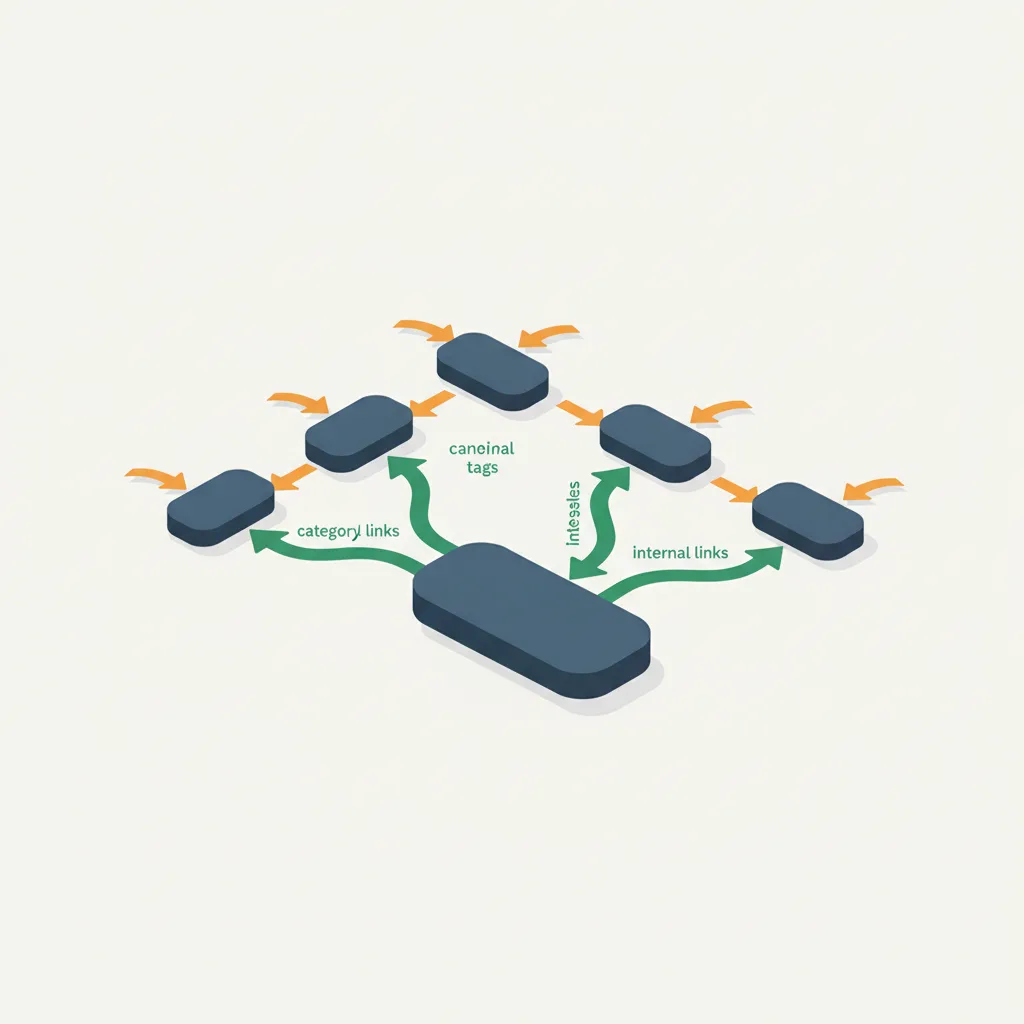
Your site’s structure shapes how search engines understand what matters. A flat structure where everything is nested under the homepage makes Google treat all pages as equally important. A logical hierarchy—category pages that contain subcategory pages that contain individual posts—tells Google which pages are most important. Clear internal linking reinforces this structure. If a user (or a search bot) can reach any important page within three clicks from the homepage, you’ve built a solid architecture. Google recommends creating a sitemap that clearly maps your site’s structure, making it easier for search engines to discover and crawl all your pages.
Frequently Asked Questions
What’s the fastest way to improve technical SEO for a small business?
Start with Google Search Console, which identifies crawl errors and mobile usability issues. Fix broken links and ensure your site has HTTPS. These three steps address the biggest technical SEO gaps most small business sites have.
Do I need to hire a developer to handle technical SEO?
Not always. Simple fixes like enabling compression, optimizing image sizes, and fixing broken links can be done through your website platform. However, if your site has serious speed or structure issues, investing in professional help often pays for itself through improved rankings and user experience.
How often should I check my technical SEO?
At least quarterly. Technical issues can emerge after updates, plugin changes, or hosting transitions. Make Google Search Console a regular habit—check it monthly if possible.
Can technical SEO alone improve my rankings?
No. Technical SEO is a foundation, not a strategy. It removes obstacles so your content and links can work effectively. You still need quality content and a way to earn backlinks, but without technical SEO, those efforts hit a ceiling.
What’s the difference between technical SEO and regular SEO?
Regular SEO typically refers to on-page elements (keywords, titles, headings) and off-page elements (backlinks). Technical SEO is the plumbing underneath that makes search engines able to access and understand your pages in the first place.
Technical SEO isn’t glamorous. It won’t make headlines or get mentioned at dinner parties. But for a small business owner trying to compete online, it’s the difference between a website that works and one that merely exists. The good news is that you don’t need to master every detail—you need to understand enough to avoid common pitfalls and know when to ask for professional help. Start by checking your Search Console, testing your mobile experience, and ensuring your site loads reasonably fast. These foundations make everything else you do in marketing more effective. Your website is too valuable to leave foundational issues unaddressed.