

What Is the Difference Between WebGL and Traditional Web Design?
WebGL sounds like jargon. But it's increasingly the difference between websites that feel responsive and modern versus ones that feel static. Understanding what
WebGL sounds like jargon. But it’s increasingly the difference between websites that feel responsive and modern versus ones that feel static. Understanding what it is helps you make smart choices about what your business website needs.
This guide explains WebGL simply, shows where it helps performance, and helps you decide whether it matters for your Atlanta business.
What Is WebGL and How Does It Work in a Browser?
Answer Capsule: WebGL opens your device’s GPU to web browsers, enabling complex 3D graphics without downloads. Three.js simplifies WebGL into manageable code for developers.
WebGL is a technology that lets web browsers render 3D graphics. That’s the simple version. The detail matters though.
Your browser has a graphics processor (GPU). Most people think GPUs only exist in gaming computers. Actually, every device has one. Your phone. Your laptop. Your monitor. The GPU is built in.
For years, web browsers didn’t use that GPU. They used the CPU (processor) to render everything. The CPU handled layout, text, images, simple animations. It was fine for web pages. But inefficient for complex graphics.
WebGL opens the GPU to web developers. Now instead of the CPU laboring to draw and redraw visual elements, the GPU handles it. And the GPU is designed for this work. It’s thousands of times faster.
The result: complex, moving graphics that don’t slow down the page. This is how 3D websites became practical. Without WebGL, rendering 3D in a browser would require downloading heavy applications. With WebGL, it runs in the browser instantly.
But WebGL is complex. Raw WebGL code is difficult. That’s where Three.js comes in—it simplifies WebGL into manageable code. Most 3D websites use Three.js or similar libraries rather than raw WebGL.
How Does WebGL Performance Compare to Traditional CSS Animations?
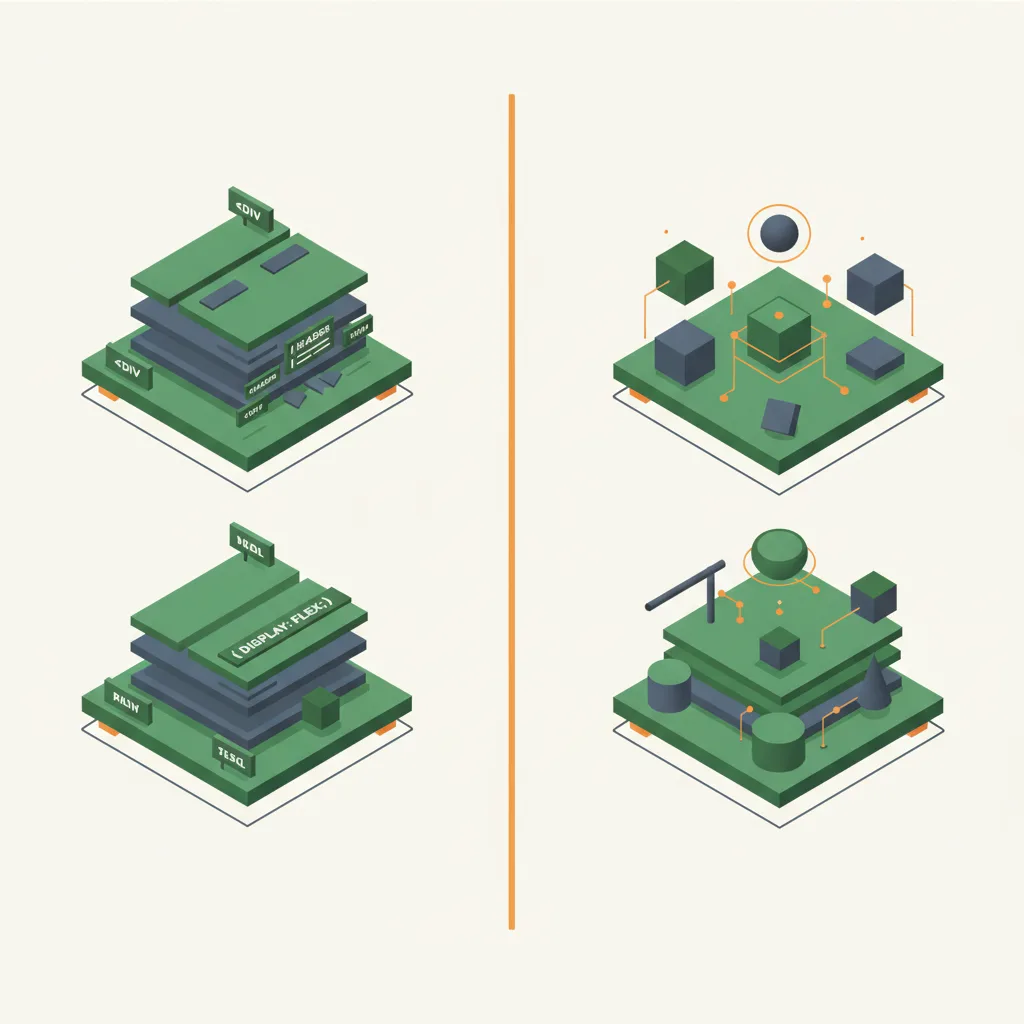
Answer Capsule: CSS animations use the CPU and struggle with complexity. WebGL uses the GPU, handling the same animations trivially. For simple effects, CSS is sufficient; for 3D interactions, WebGL is superior.
Traditional CSS animations use the CPU. You animate an element from point A to point B. The browser redraws that element repeatedly per second (60 times per second ideally). This works fine for simple animations.
But as animation complexity grows, CPU usage spikes. Multiple animations. Complicated layouts. Heavy images. The CPU gets overwhelmed. Animations stutter. The page feels slow.
WebGL animations use the GPU. The same animation that strains a CPU is trivial for a GPU. The difference becomes obvious on lower-end devices. A phone with a slow CPU handles WebGL smooth because the GPU does the heavy lifting.
The performance advantage is most obvious with 3D. CSS can fake some 3D effects. But true 3D with complex interactions requires WebGL. Traditional CSS simply can’t compute these calculations fast enough.
Real-world example: a website with heavy CSS animations might hit frame drops on phones. The same website implemented in WebGL using Three.js stays smooth. The interaction feels responsive.
There’s a tradeoff. WebGL initial load can be slower because the 3D library needs to download. But after loading, sustained performance is better.
For simple animations—buttons highlighting, elements sliding—CSS is sufficient and lighter weight. For complex or 3D interactions—product exploration, data visualization, immersive experiences—WebGL is superior.
Which Browsers Support WebGL in 2026?
WebGL support is nearly universal now. Chrome, Firefox, Safari, Edge, Opera all support it. Internet Explorer (which is dead) didn’t support it. But nobody uses Internet Explorer anymore.
Mobile browsers: iOS Safari supports WebGL. Android Chrome supports WebGL. The coverage is effectively 95%+ of web traffic.
The nuance comes in level of support. Some browsers handle more complex WebGL operations better than others. Safari has historically lagged slightly. But the gap is closing. Modern Safari handles Three.js smoothly.
Older devices with older browsers might have issues. But the device itself matters more than the browser. A new phone with an older browser will handle WebGL fine because the GPU is modern. An old phone with a new browser might struggle because the GPU is old.
This is why testing on real devices matters. Simulator testing misses hardware realities.
For practical purposes: if your traffic comes from devices from the last 5 years, WebGL support isn’t a barrier. If your traffic skews very old devices, WebGL performance might be poor. Check your analytics before committing.
Is WebGL Good for Mobile Websites?
Answer Capsule: Yes, with planning. Use simpler models on mobile (fewer polygons, lower resolution textures), implement touch controls, and apply progressive enhancement so each device gets an optimized experience.
Yes, with planning.
WebGL on mobile works beautifully when optimized. The optimization is the key word.
Desktop computers have more raw power. A 3D model with 100,000 polygons and high-res textures looks stunning on desktop. The same model on a phone is sluggish.
The solution: use simpler models on mobile. Fewer polygons. Lower resolution textures. Simplified lighting. Same visual concept. Better performance for the device.
This is called progressive enhancement. Desktop gets the full experience. Phone gets a lighter version. Both work.
Alternatively, use compression algorithms to reduce model file size. A 10MB 3D model becomes 1MB. The phone doesn’t have to download huge files. Performance improves.
Touch controls are different from mouse controls but not complicated. You tap to interact. You swipe or pinch to rotate or zoom. Developers just need to implement touch events instead of mouse events. Modern tools make this straightforward.
Battery drain is a real consideration. WebGL uses the GPU, which uses power. Intensive WebGL experiences can drain batteries faster than traditional websites. But reasonable implementations don’t create a significant difference.
The bottom line: mobile WebGL is viable and increasingly common. But the implementation requires mobile-specific optimization. Generic desktop 3D ported to mobile without changes will perform poorly.
Why Should Atlanta Businesses Care About WebGL?
Atlanta has a competitive business market. Your competitors are investing in their web presence. The ones building the strongest web experiences often use technologies like WebGL.
If you’re in e-commerce, product visualization through WebGL makes a difference. Customers explore products interactively. That leads to higher conversion and lower returns.
If you’re in real estate, WebGL 3D tours show properties more effectively than photos. The investment is worth it in Atlanta’s active real estate market. A property that shows well converts faster.
If you’re in technology, software, or innovation, WebGL demonstrates sophistication. Your website signals that your company thinks about user experience. That builds trust with the right customers.
If you’re in any visual business—design, architecture, photography, fashion—WebGL lets you showcase work interactively. Your portfolio becomes more than a gallery. It becomes an experience.
Locally, there are developers in Atlanta experienced with WebGL. The talent pool exists. Implementation is more accessible now than it was five years ago.
Competitively, if your local competitors haven’t figured out WebGL yet, you have an opening. You can differentiate through better web experience. That matters.
The Atlanta market is sophisticated. Customers expect professional online experiences. WebGL is becoming a baseline for “professional” rather than a luxury. It’s worth understanding whether it makes sense for your business.
The Difference in Development Process
Traditional web design: designer creates mockups. Developer builds with HTML, CSS, JavaScript. The process is linear and well-established. Timelines are predictable.
WebGL design: designer creates mockups. Developer or 3D artist creates 3D assets. Developer builds the WebGL experience. The process is more complex. Timelines are less predictable initially because the skillset is less common.
The traditional approach has more developers available. The WebGL approach has fewer developers but increasing availability. Costs are higher for WebGL because the expertise is rarer.
Update processes differ too. Traditional design updates are simple. Change the HTML. Change the CSS. Push to production. WebGL updates might require regenerating 3D assets or re-optimizing models. The process is more involved.
This matters for small businesses. If you build WebGL with one specialist developer, maintenance becomes dependent on that person. Traditional design is easier to hand off. Plan accordingly.
Degradation and Fallbacks Matter
A well-built WebGL site doesn’t break on non-WebGL devices. It degrades gracefully. A 3D product viewer shows a static image if WebGL isn’t available. The page still works. It’s just less interactive.
Poor WebGL implementation just breaks. The page is blank. The product viewer doesn’t show. The experience fails. This is why you need developers who understand both the exciting WebGL possibility and the practical fallback reality.
Cause & Effect builds WebGL experiences that work for everyone. The best device gets the full 3D. The older device gets a static image that still conveys the same information. Quality implementation means nobody gets left behind.
Learn more about our 3D-interactive design services and how we build WebGL experiences that scale across devices and audiences.
FAQs
What is WebGL in simple terms?
WebGL is a technology built into web browsers that lets them render 3D graphics by using your device’s GPU (graphics processor). It’s what makes interactive 3D experiences possible on websites without requiring any downloads or plugins.
Do I need WebGL for my business website?
It depends on your business type. If you sell visual or tactile products (furniture, jewelry, real estate), WebGL-powered 3D can significantly boost conversions. If your business is service-based with non-visual offerings (accounting, legal), traditional design is more cost-effective.
Will WebGL work on my customers’ phones?
Yes. iOS Safari and Android Chrome both support WebGL, covering 95%+ of mobile web traffic. The key is mobile-specific optimization—simpler models, lower resolution textures, and touch controls. Well-optimized WebGL runs smoothly on devices from the last 5 years.
Is WebGL the same as Three.js?
No. WebGL is the underlying browser technology. Three.js is a JavaScript library that simplifies WebGL development. Think of WebGL as the engine and Three.js as the steering wheel—Three.js makes WebGL accessible to developers without requiring them to write complex low-level code.
How much does a WebGL website cost compared to a traditional website?
Traditional websites cost $2,000-$15,000. Adding WebGL 3D elements starts at $5,000-$15,000 on top of that. Full WebGL implementations run $25,000-$75,000. The premium exists because WebGL development requires specialized skills, but the ROI for visual businesses often justifies it.